| # Parameter Choice |
|
|
| Just like model choice, you can choose the parameters for your job in two ways: AutoTrain and Manual. |
|
|
| ## AutoTrain Mode |
|
|
| In the AutoTrain mode, the parameters for your task-model pair will be chosen automagically. |
| If you choose "AutoTrain" as model choice, you get the AutoTrain mode as the only option. |
| If you choose "HuggingFace Hub" as model choice, you get the the option to choose between AutoTrain and Manual mode for parameter choice. |
|
|
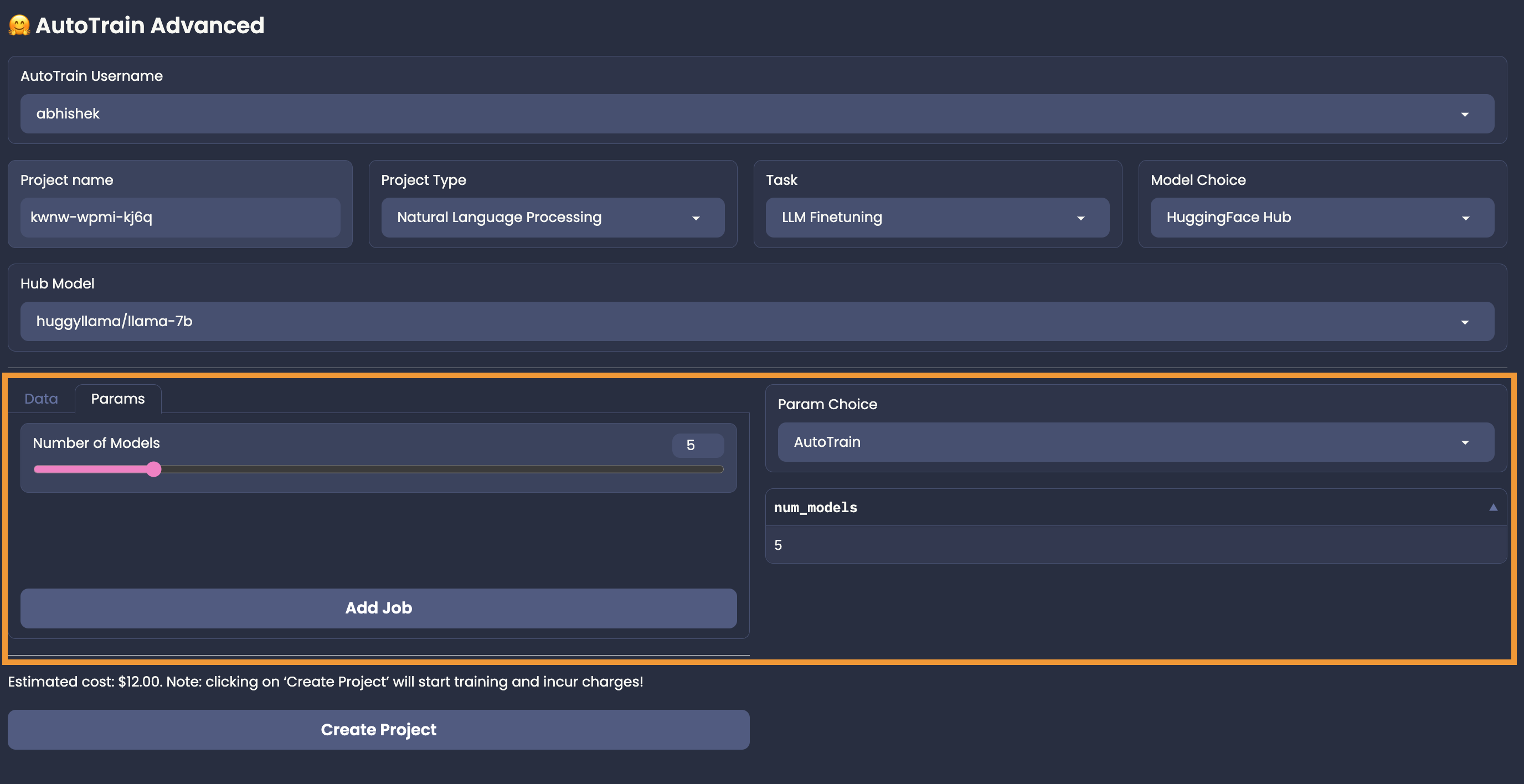
| An example of AutoTrain mode for a text classification task is shown below: |
|
|
|  |
|
|
| For most of the tasks in AutoTrain parameter selection mode, you will get "Number of Models" as the only parameter to choose. Some tasks like test-classification might ask you about the language of the dataset. |
| The more the number of models, the better the final results might be but it might be more expensive too! |
|
|
| ## Manual Mode |
|
|
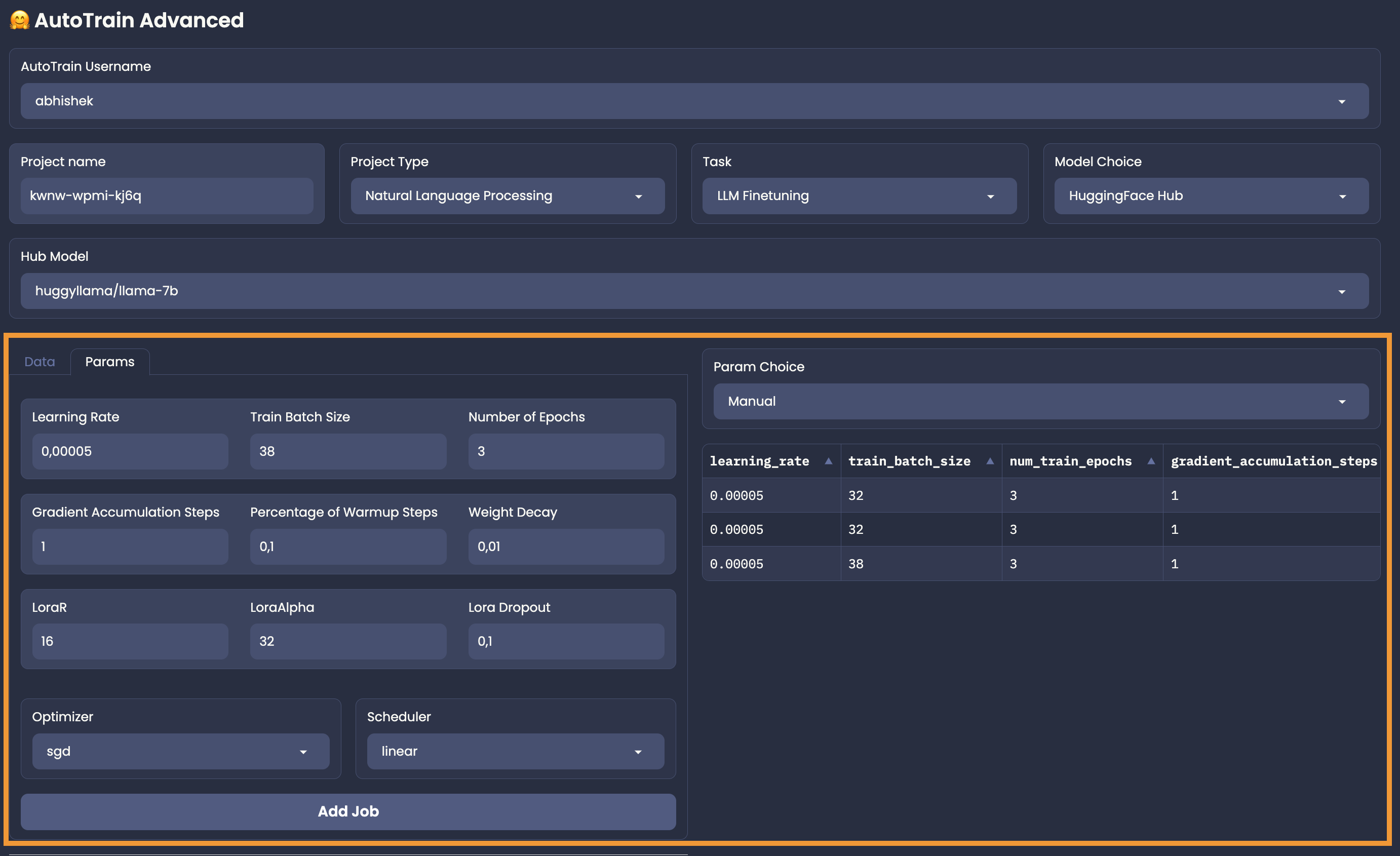
| Manual model can be used only when you choose "HuggingFace Hub" as model choice. In this mode, you can choose the parameters for your task-model pair manually. |
| An example of Manual mode for a text classification task is shown below: |
|
|
|  |
|
|
| In the manual mode, you have to add the jobs on your own. So, carefully select your parameters, click on "Add Job" and 💥. |