

metadata
tags:
  - text-to-image
  - flux
  - lora
  - diffusers
  - template:sd-lora
  - ai-toolkit
widget:
  - text: A man in with erect penis
    output:
      url: samples/1741933112232__000004000_0.jpg
  - text: penis
    output:
      url: samples/1741933149195__000004000_1.jpg
  - text: penis
    output:
      url: images/example_m40d6xqbk.png
  - text: >-
      penis hung long thick big flaccid close-up sharp realistic photography,
      real anatomy
    output:
      url: images/example_on7kb02wj.png
base_model: black-forest-labs/FLUX.1-dev
instance_prompt: penis
license: other
license_name: flux-1-dev-non-commercial-license
license_link: https://huggingface.co/black-forest-labs/FLUX.1-dev/blob/main/LICENSE.md
22
Model trained with AI Toolkit by Ostris

- Prompt
- A man in with erect penis

- Prompt
- penis
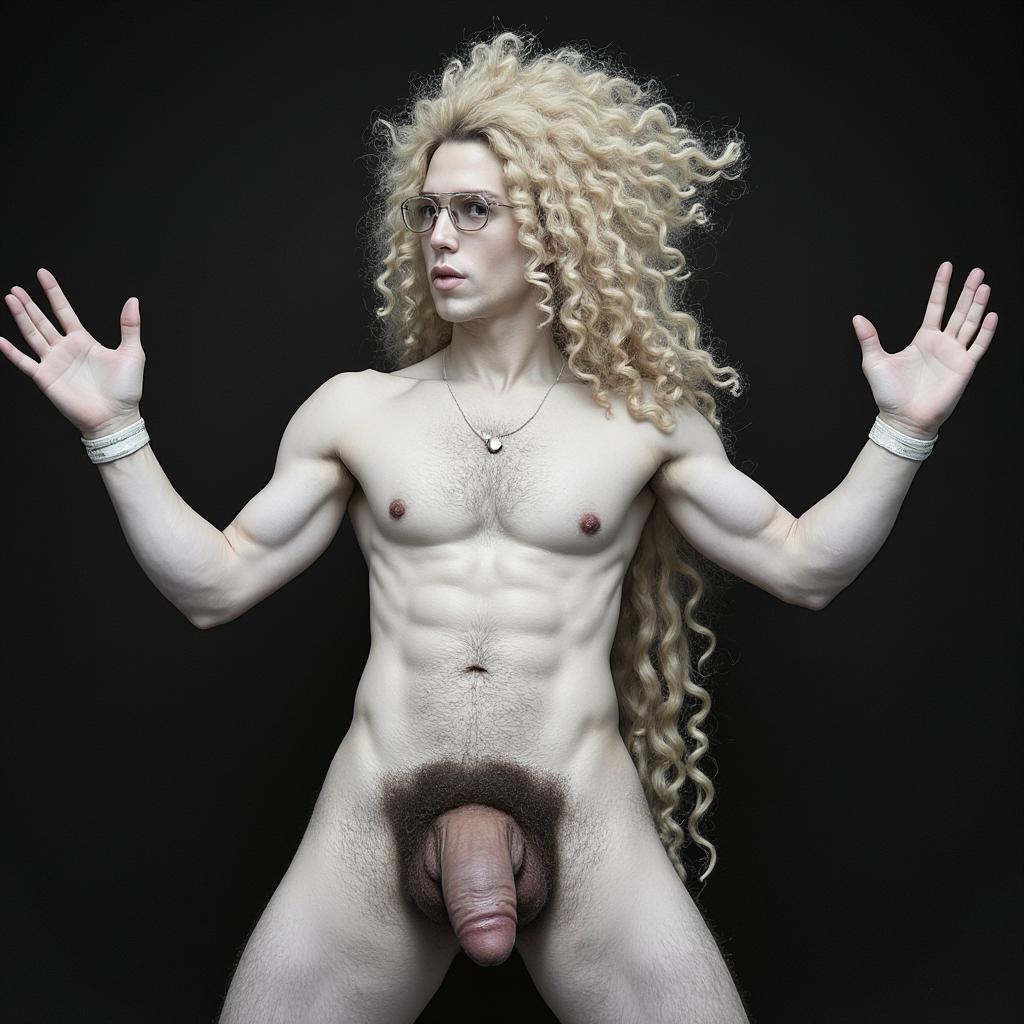
- Prompt
- penis

- Prompt
- penis hung long thick big flaccid close-up sharp realistic photography, real anatomy
Trigger words
You should use penis to trigger the image generation.
Download model and use it with ComfyUI, AUTOMATIC1111, SD.Next, Invoke AI, etc.
Weights for this model are available in Safetensors format.
Download them in the Files & versions tab.
Use it with the 🧨 diffusers library
from diffusers import AutoPipelineForText2Image
import torch

pipeline = AutoPipelineForText2Image.from_pretrained('black-forest-labs/FLUX.1-dev', torch_dtype=torch.bfloat16).to('cuda')
pipeline.load_lora_weights('Faitlesses/22', weight_name='22.safetensors')
image = pipeline('A man in with erect penis').images[0]
image.save("my_image.png")
For more details, including weighting, merging and fusing LoRAs, check the documentation on loading LoRAs in diffusers