Instructions to use GreeneryScenery/SheepsControlV4 with libraries, inference providers, notebooks, and local apps. Follow these links to get started.
- Libraries
- Diffusers
How to use GreeneryScenery/SheepsControlV4 with Diffusers:
pip install -U diffusers transformers accelerate
import torch from diffusers import DiffusionPipeline from diffusers.utils import load_image # switch to "mps" for apple devices pipe = DiffusionPipeline.from_pretrained("GreeneryScenery/SheepsControlV4", dtype=torch.bfloat16, device_map="cuda") prompt = "Turn this cat into a dog" input_image = load_image("https://huggingface.co/datasets/huggingface/documentation-images/resolve/main/diffusers/cat.png") image = pipe(image=input_image, prompt=prompt).images[0] - Notebooks
- Google Colab
- Kaggle
metadata
datasets:
- GreeneryScenery/SheepsCanny
pipeline_tag: image-to-image
tags:
- art
- ControlNet
V4
3 epochs. 🤗 Best model yet. Check out the model on Replicate as well.
Examples
Click to expand
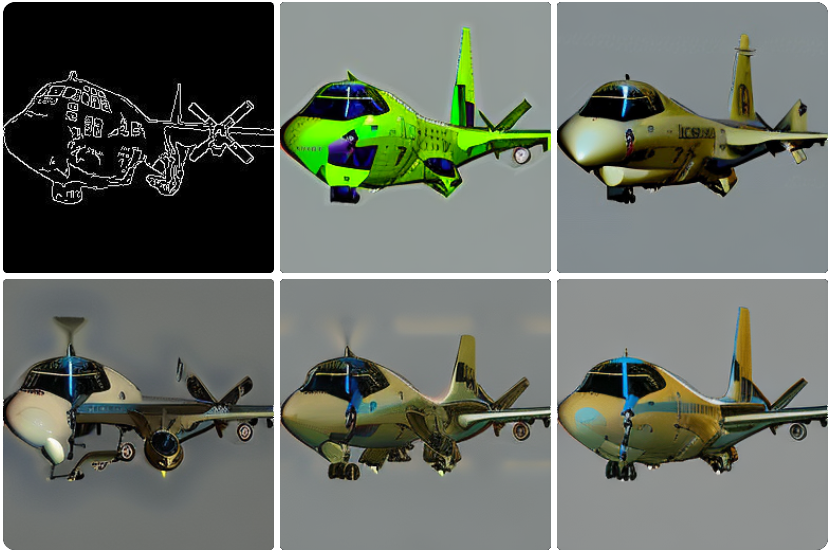
1.
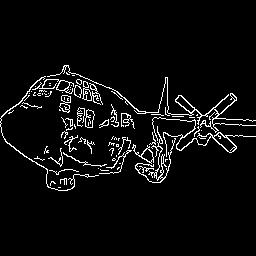
Conditioning image:
Images:
arafed airplane flying in the sky with a green tail
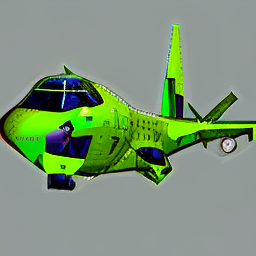
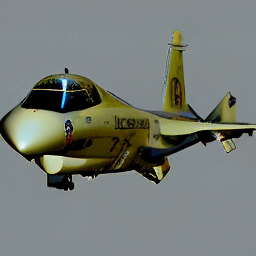
arafed jet flying in the air with a royal air force logo on it
Jet
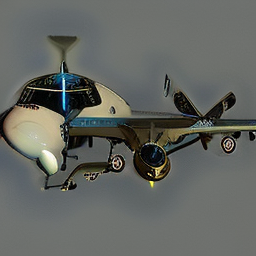
Plane
- Conditioning image:
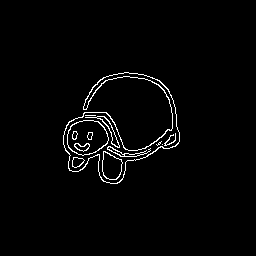
Image:
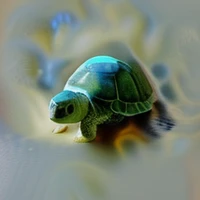
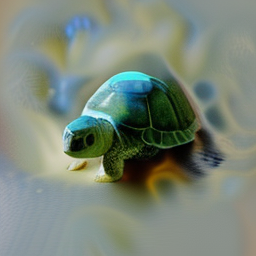
Cute turtle
- Conditioning image:
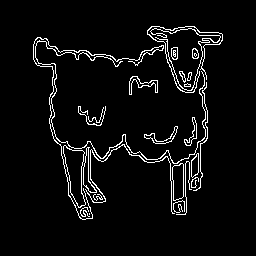
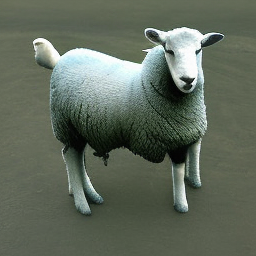
Image:
A sheep
- Conditioning image:
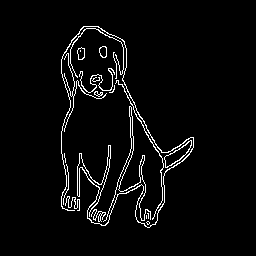
Image:
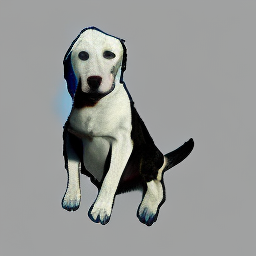
A dog sitting down