

Valen-1.0
Collection
Valen-1.0 • 9 items • Updated

Valen-4B helps you classify customer messages, check whether images meet your requirements, and identify actions in videos. Try it instantly through our free API and web demo, with no installation, model download, or GPU required. We also release the training code and training data, so you can fine-tune Valen for your own tasks.
Complete workflows are maintained in the official Cookbook: API basics, local inference basics, ticket routing, product-image screening and video tagging. Pages import executable source and include actual outputs, uncertainty policies, media provenance and licensing notes.
This card owns format, installation, startup, limitations and minimal calls. Validation scope and same-worker performance record model revisions, SDK and runtime versions. Valen.local loads ONNX; connect to GGUF services over HTTP. Prebuilt GGUF 0.1.0 does not compile direct video support; historical source-build video tests do not qualify the prebuilt package. P1 additionally checks fixed images on the exact prebuilt binary with 0.8B Q8_0 only; see the linked evidence, without extending that scope to other sizes.
For a first try, use the web experience or free HTTP API without downloading weights. The shared version guide covers Python/JavaScript applications, C++ local serving, GPU deployment and fine-tuning. 0.8B/2B/4B denote model size; native/ONNX/GGUF are formats; F32/Q8_0/ONNX q8-mlp are format-specific precision/quantization variants; Transformers, ONNX Runtime, custom llama.cpp/Ollama and SGLang/vLLM are backends. File size is not a RAM requirement; no unmeasured performance is promised.
Use ONNX SDKs for offline Python/JavaScript applications; GGUF with the Valen custom runtime for C++ Linux CPU services; native weights with the appropriate plugins, or Python ONNX CUDA, for GPU deployment; complete native Valen weights for fine-tuning. GGUF Q4/Q5 failed the quality gates: only qualified F32/Q8_0 are recommended. Support in official unmodified llama.cpp/Ollama is not claimed.
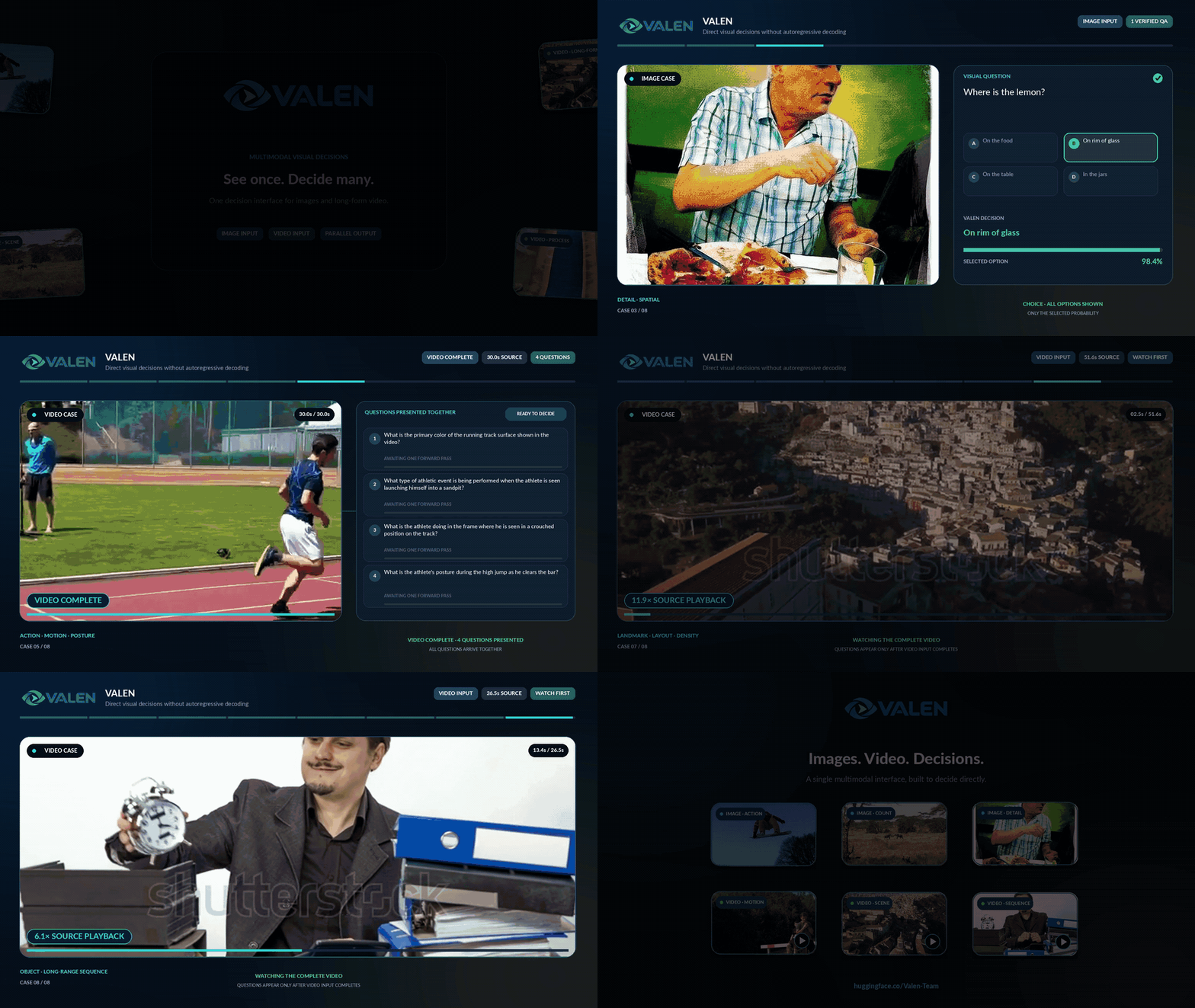
Image, video, and game demonstrations from the Valen repository. Click a preview to watch the full demonstration.
| Image and video decisions | Sokoban decisions |
|---|---|
 |
 |
Valen supports two decision API formats: SystemOne, used by Jev, and Decisions, used by OpenAI. Both work with the same Valen model.
Start with Decisions if you are new to Valen. If your application already uses the Jev/SystemOne format, use SystemOne. The examples below include everything you need to get started.
See the Valen Transformers documentation for complete request formats, image/video inputs, and inference parameters.
The Python example below runs locally on an NVIDIA GPU. If you prefer to skip local setup, try the free web demo or API.
python -m pip install torch torchvision transformers pillow av
import torch
from transformers import AutoModel

model = AutoModel.from_pretrained(
    "Valen-Team/Valen-4B", trust_remote_code=True,
    dtype="auto", attn_implementation="sdpa",
).to("cuda").eval()
torch.set_float32_matmul_precision("highest")
torch.backends.cudnn.allow_tf32 = False
After installation/loading above, verify the path with one predicate. Complete multi-question workflows and image/video tutorials are maintained in Cookbook.
result = model.predict({"input": "A cat is on the sofa.", "questions": [
    {"name": "cat", "type": "predicate", "instructions": "A cat is present."},
]})
print(result["answers"][0]["probability"])
legacy = model.predict({"state": "A cat is on the sofa.", "questions": {
    "cat": {"type": "noul", "instructions": "A cat is present."},
}})
print(legacy["answers"]["cat"]["noul"])
Try the interactive demo or call the free API directly. No API key is required:
curl https://api.valen-team.workers.dev/v1/decisions \
  -H 'Content-Type: application/json' \
  -H 'Origin: https://valen-team.github.io' \
  -d '{
    "model": "valen-4b",
    "input": "Please send my order to my new address.",
    "questions": [{"name": "change_address", "type": "predicate",
                   "instructions": "Is the customer requesting a delivery address change?"}]
  }'
Example response (captured from the free API; timing may vary):
{
  "answers": [
    {
      "type": "predicate",
      "name": "change_address",
      "probability": 0.9811345101245704
    }
  ],
  "model": "Valen-4B",
  "model_id": "valen-4b",
  "revision": "local",
  "usage": {
    "input_tokens": 79,
    "output_tokens": 0
  },
  "internal_usage": {
    "compute_tokens": 79
  },
  "timing": {
    "total_ms": 105.17,
    "image_ms": 0.0,
    "compile_ms": 10.58,
    "forward_ms": 73.06,
    "queue_ms": 0.01
  },
  "images": []
}
The predicate result is in answers[0].probability. See the API reference for image inputs, both protocols, and available model IDs.
Install the corresponding Valen plugin in a compatible official engine environment. Use Linux, Python 3.11+, and an NVIDIA GPU; the SGLang example uses FA3 on H100/H200-class GPUs. The two alternatives below expose /v1/systemone and /v1/decisions for text and image requests.
python -m pip install "git+https://github.com/Valen-Team/Valen.git#subdirectory=serving/sglang"
valen-sglang --model-path Valen-Team/Valen-4B \
  --served-model-name valen --host 127.0.0.1 --port 30000 \
  --attention-backend fa3
python -m pip install "git+https://github.com/Valen-Team/Valen.git#subdirectory=serving/vllm"
valen-vllm --model-path Valen-Team/Valen-4B \
  --served-model-name valen --host 127.0.0.1 --port 8000
Once the chosen server is ready, send a local request. Use port 8000 for vLLM or 30000 for SGLang:
curl http://127.0.0.1:8000/v1/decisions \
  -H 'Content-Type: application/json' \
  -d '{"model":"valen","input":"Please send my order to my new address.",
       "questions":[{"name":"change_address","type":"predicate",
                     "instructions":"Is the customer requesting a delivery address change?"}]}'
For Docker images, offline deployment kits, and complete setup instructions, see the SGLang guide and vLLM guide.
Use the complete native main revision for LoRA or full SFT, retaining the trained Mixer. Start with complete Valen-0.8B and LoRA for a small domain run; ONNX/GGUF are inference formats. Methods, data, resume and export are maintained in the website training guide; the complete executable split/train/compare recipe lives in Cookbook. A short smoke does not establish domain improvement.
Decision Index 0.4.1, snapshot 2026-10-22. Full score combines private tests; Public score covers the public suite. These are normalized index scores (0–100), not accuracy percentages.
| Model | Full score ↑ | Public score ↑ |
|---|---|---|
| Valen-0.8B | 16.55 | 20.71 |
| Valen-2B | 22.20 | 27.20 |
| Valen-4B | 37.57 | 38.54 |
Selected JevalKit benchmarks, snapshot 2026-10-23. Values are accuracy (%), higher is better. Best scores are bold.
| Benchmark | Valen-0.8B | Valen-2B | Valen-4B |
|---|---|---|---|
| JevBench | 77.49 | 82.68 | 83.55 |
| Typed Decisions | 58.35 | 62.95 | 69.55 |
| VisualDecisionBench — Image | 75.82 | 80.47 | 83.12 |
| VisualDecisionBench — Video | 79.01 | 82.74 | 87.43 |
Full benchmark breakdowns, calibration metrics, and evaluation protocols are available on the linked leaderboards. Sources: Decision Index data · JevalKit data.
Apache-2.0. See LICENSE.
If you use Valen in your work, please cite this repository:
@misc{valen,
  author       = {{Valen Team}},
  title        = {Valen},
  howpublished = {GitHub - Valen-Team/Valen: A multimodal System One decision model for text, images and video.},
  note         = {GitHub repository},
  year         = {2026},
  url          = {https://github.com/Valen-Team/Valen}
}
User concepts, methods and references are maintained only on the website: Documentation · Probabilities.
docker model run hf.co/Valen-Team/Valen-4B