| --- |
| pipeline_tag: text-to-image |
| license: creativeml-openrail-m |
| base_model: |
| - stable-diffusion-v1-5/stable-diffusion-v1-5 |
| library_name: diffusers |
| --- |
| # stable-diffusion-1.5 optimized for AMD GPU |
|
|
|
|
| ## Original Model |
| https://huggingface.co/stable-diffusion-v1-5/stable-diffusion-v1-5 |
|
|
| ## _io32/16 |
| _io32: model input is fp32, model will convert the input to fp16, perform ops in fp16 and write the final result in fp32 |
|
|
| _io16: model input is fp16, perform ops in fp16 and write the final result in fp16 |
| |
| ## Running |
| |
| ### 1. Using Amuse GUI Application |
| |
| Use Amuse GUI application to run it: https://www.amuse-ai.com/ |
| use _io32 model to run with Amuse application |
|
|
|
|
| ### 2. Inference Demo |
|
|
| Use the code below to get started with the model. |
|
|
| With Python using Diffusers OnnxStableDiffusionPipeline |
|
|
| Required Modules |
| ``` |
| accelerate |
| numpy==1.26.4 # Due to newer version of numpy changing dtype when multiplying |
| diffusers |
| torch |
| transformers |
| onnxruntime-directml |
| ``` |
|
|
| Python Script |
| ``` |
| import onnxruntime as ort |
| from diffusers import OnnxStableDiffusionPipeline |
| |
| model_dir = "D:\\Models\\stable-diffusion-v1-5_io32" |
| |
| batch_size = 1 |
| num_inference_steps = 30 |
| image_size = 512 |
| guidance_scale = 7.5 |
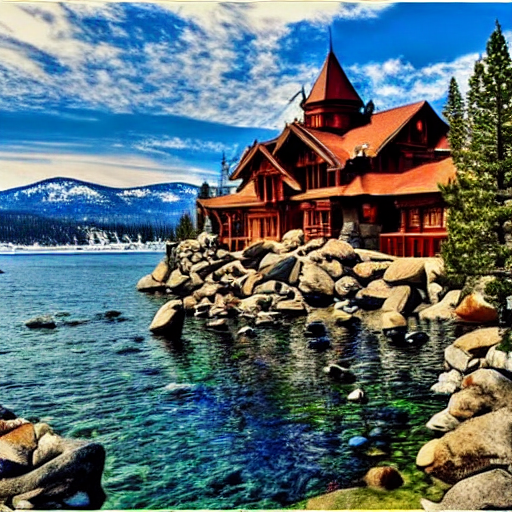
| prompt = "a beautiful cabin in the mountains of Lake Tahoe" |
| |
| ort.set_default_logger_severity(3) |
| |
| sess_options = ort.SessionOptions() |
| sess_options.enable_mem_pattern = False |
| |
| sess_options.add_free_dimension_override_by_name("unet_sample_batch", batch_size * 2) |
| sess_options.add_free_dimension_override_by_name("unet_sample_channels", 4) |
| sess_options.add_free_dimension_override_by_name("unet_sample_height", image_size // 8) |
| sess_options.add_free_dimension_override_by_name("unet_sample_width", image_size // 8) |
| sess_options.add_free_dimension_override_by_name("unet_time_batch", batch_size) |
| sess_options.add_free_dimension_override_by_name("unet_hidden_batch", batch_size * 2) |
| sess_options.add_free_dimension_override_by_name("unet_hidden_sequence", 77) |
| |
| pipeline = OnnxStableDiffusionPipeline.from_pretrained( |
| model_dir, provider="DmlExecutionProvider", sess_options=sess_options |
| ) |
| |
| result = pipeline( |
| [prompt] * batch_size, |
| num_inference_steps=num_inference_steps, |
| callback=None, |
| height=image_size, |
| width=image_size, |
| guidance_scale=guidance_scale, |
| generator=None |
| ) |
| |
| output_path = "output.png" |
| result.images[0].save(output_path) |
| |
| print(f"Generated {output_path}") |
| ``` |
|
|
| ### Inference Results |
|
|
|  |