
Datasets:

image imagewidth (px) 600 1.21k |
|---|
16-bit vs 8-bit Depth Map Comparison
A small, measurable example of why bit depth in a depth map shows up in a laser engrave, a lithophane, or a CNC relief.
The package is built from the public lion-medallion sample published by Depth-Map.com. The genuine 16-bit manufacturing PNG and the closed STL were downloaded from the site on 15 November 2026. The 8-bit file and the "fake 16-bit" file were derived from that PNG in this repository, so the three depth maps are the same height field.
This is a file-format comparison, not a trained model and not a benchmark of Depth Anything V3.
What is in the repo
| File | What it is | Measured on 2026-11-15 |
|---|---|---|
lion-source.jpg |
Public sample photograph (/demo/medallion-source.jpg) |
1024×1024 RGB JPEG |
lion-depth-16bit.png |
Genuine 16-bit grayscale depth map (/demo/lion-depth-16.png) |
PNG bit depth 16; 19,662 unique values; min 0, max 19,661 |
lion-depth-8bit.png |
Same field quantized to 8-bit on the same 0–65,535 scale (value // 257) |
PNG bit depth 8; 77 unique values; min 0, max 76 |
lion-depth-8bit-upscaled-to-16bit.png |
That 8-bit file written back into a 16-bit PNG (value * 257) |
PNG bit depth 16, but only 77 unique codes, all multiples of 257 |
lion-relief.stl |
Closed relief mesh published with the sample (/demo/lion-relief.stl) |
Binary STL; header starts with depth-map.com relief |
previews/ |
8-bit RGB / JPEG shaded illustrations from the site, useful for seeing terraces. These are not manufacturing depth maps. | See folder |
verification.json |
Hashes, header fields, and unique-value counts | — |
verify.py |
Re-runs the Pillow counts | — |
Why the 16-bit file does not peak at 65,535
Depth-Map.com writes depth on a 10 mm scale: 65,535 maps to 10 mm. The site's 16-bit vs 8-bit guide describes this lion export as a 3 mm relief on a 1.5 mm base (Invert on). A 3 mm relief therefore uses about a third of the gray range, and the brightest pixel is 19,661 — which is what we measured.
An 8-bit PNG on that same 10 mm scale only has 77 height steps for a 3 mm relief. Stretching those 77 codes into a 16-bit container does not invent the missing steps. The upscaled file in this repo is an example of that failure mode: the header says 16-bit, the unique-value count does not.
The guide's expected ImageMagick reading for this manufacturing PNG is:
Depth: 16-bit
Channel statistics:
  Gray:
    min: 0 (0)
    max: 19661
A stretched 8-bit file is the one whose values are multiples of 257 and whose distinct count is 256 or fewer (here, 77).
How to verify
python verify.py
Or with Pillow:
from PIL import Image

im = Image.open("lion-depth-16bit.png")
print(im.mode)  # I;16
print(len(set(im.getdata())))  # 19662
print(min(im.getdata()), max(im.getdata()))  # 0 19661
ImageMagick (identify -verbose) is the method described on the site guide. These counts were measured with Pillow, not ImageMagick, because this package was prepared in an environment without identify.
Source files
- 16-bit PNG: https://depth-map.com/demo/lion-depth-16.png
- Source photo: https://depth-map.com/demo/medallion-source.jpg
- STL: https://depth-map.com/demo/lion-relief.stl
- Guide: https://depth-map.com/guides/16-bit-vs-8-bit-depth-maps
- Generator: depth map generator
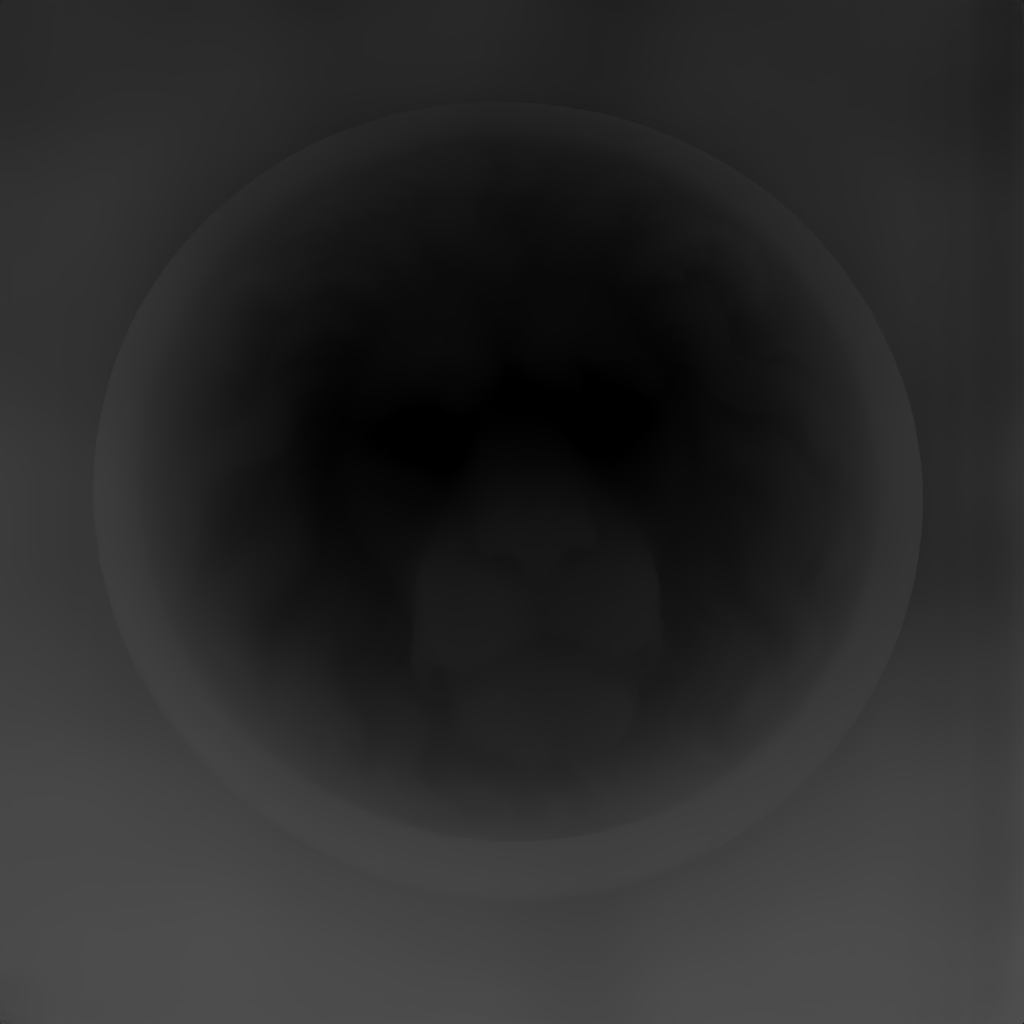
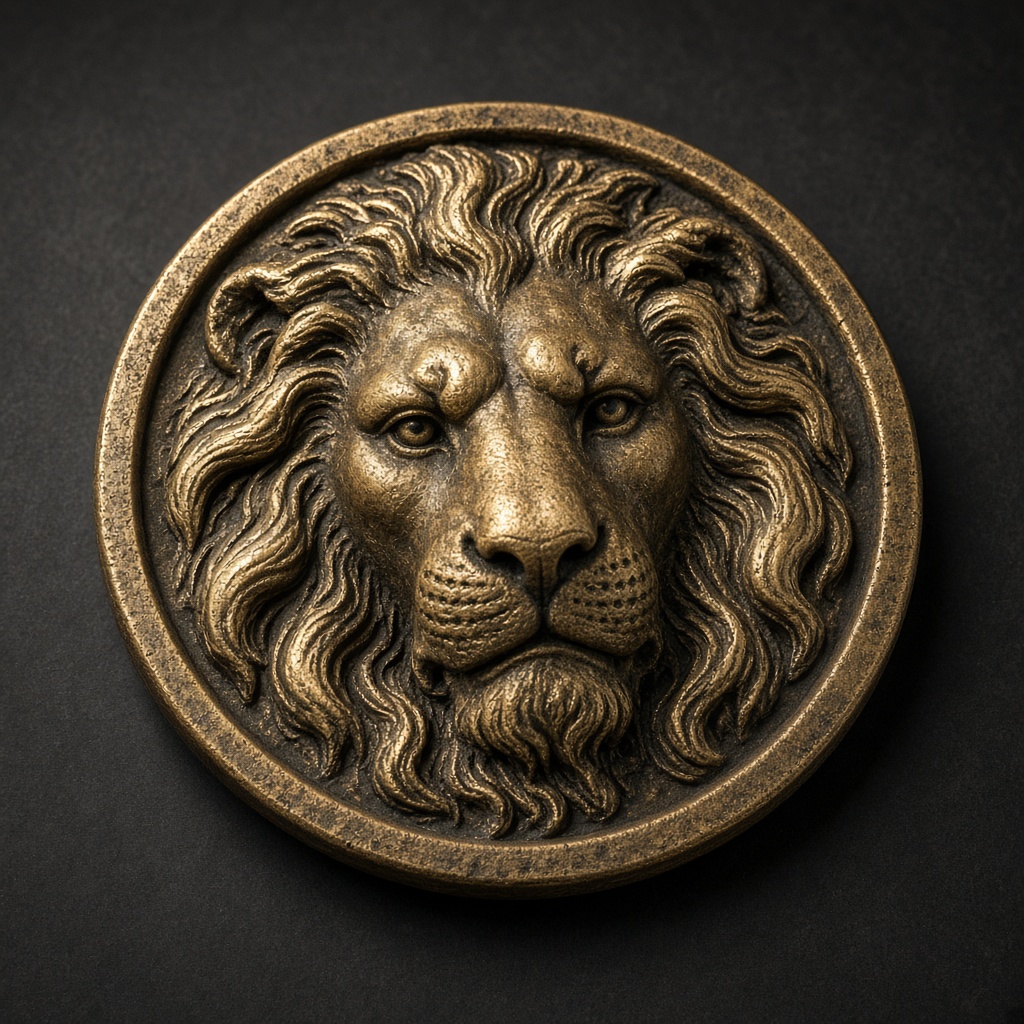
The 8-bit and upscaled-16-bit PNGs were produced here from lion-depth-16bit.png. They are not extra downloads from the site.
License
CC BY 4.0. Attribution: Depth-Map.com, https://depth-map.com/. The sample is the site's public lion-medallion demo. The depth field was estimated with a Depth Anything V3 model; this repository does not redistribute model weights.
Limitations
- One subject, one export (3 mm relief, 1.5 mm base, invert on, as described on the guide). This is not a dataset for training.
- Preview images in
previews/are 8-bit illustrations. Do not treat them as 16-bit depth maps. - Unique-value counts come from Pillow on 2026-11-15. Re-run
verify.pyif you need to confirm a local copy.
- Downloads last month
- 81