
Text-to-Image
Diffusers
Safetensors
StableDiffusionPipeline
stable-diffusion
stable-diffusion-diffusers
import torch
from diffusers import DiffusionPipeline

# switch to "mps" for apple devices
pipe = DiffusionPipeline.from_pretrained("digiplay/OnlyAnime_v2.3", torch_dtype=torch.bfloat16, device_map="cuda")

prompt = "Astronaut in a jungle, cold color palette, muted colors, detailed, 8k"
image = pipe(prompt).images[0]Model info: https://civitai.com/models/105955/onlyanime
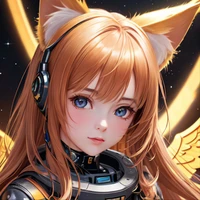
Sample image I made thru Huggingface's API :

Original Author's DEMO images :
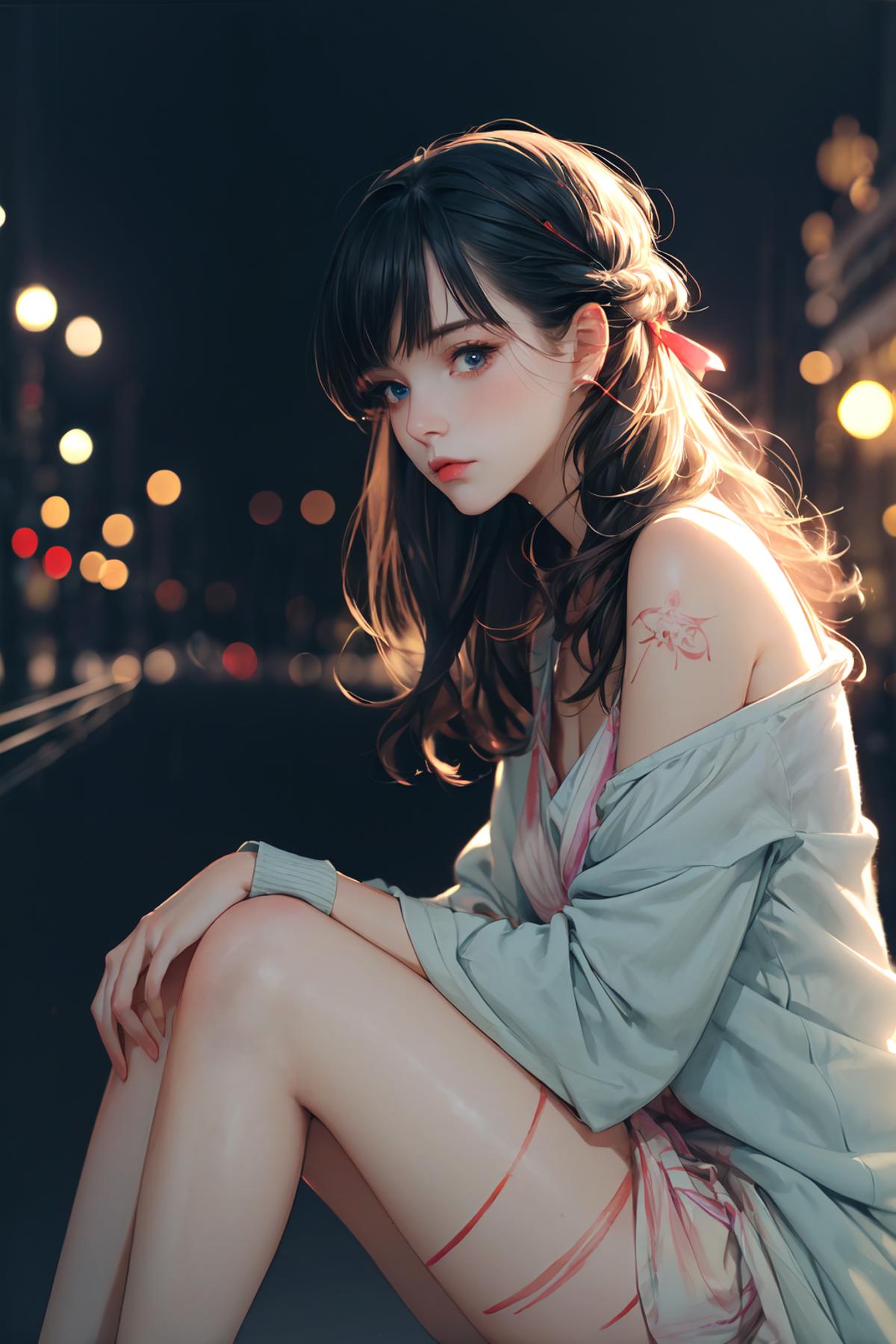
*This image using LORA file 👉 FilmVelvia3.safetensors you can also download here:
https://huggingface.co/digiplay/OnlyAnime_v2.3/tree/main
and put the text like:
<lora:FilmVelvia3: 0.6> or <lora:FilmVelvia3: 0.5>
in your prompt, and picture will show beautiful lights like professional photography.
- Downloads last month
- 84