
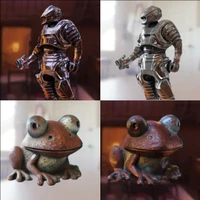

metadata
license: mit
library_name: diffusers
pipeline_tag: image-to-image
DiLightNet: Fine-grained Lighting Control for Diffusion-based Image Generation
SIGGRAPH 2024
- Project Page: https://dilightnet.github.io/
- Paper: https://arxiv.org/abs/2402.11929
- Full Usage: please check https://github.com/iamNCJ/DiLightNet
Example Usage:
from diffusers.utils import get_class_from_dynamic_module
NeuralTextureControlNetModel = get_class_from_dynamic_module(
    "dilightnet/model_helpers",
    "neuraltexture_controlnet.py",
    "NeuralTextureControlNetModel"
)
neuraltexture_controlnet = NeuralTextureControlNetModel.from_pretrained("DiLightNet/DiLightNet")

pipe = StableDiffusionControlNetPipeline.from_pretrained(
    "stabilityai/stable-diffusion-2-1", controlnet=neuraltexture_controlnet,
)
cond_image = torch.randn((1, 16, 512, 512))
image = pipe("some text prompt", image=cond_image).images[0]