

How to use ONNX Runtime for inference
🤗 Optimum provides a Stable Diffusion pipeline compatible with ONNX Runtime.
Installation
Install 🤗 Optimum with the following command for ONNX Runtime support:
pip install optimum["onnxruntime"]
Stable Diffusion
Inference
To load an ONNX model and run inference with ONNX Runtime, you need to replace [StableDiffusionPipeline] with ORTStableDiffusionPipeline. In case you want to load a PyTorch model and convert it to the ONNX format on-the-fly, you can set export=True.
from optimum.onnxruntime import ORTStableDiffusionPipeline

model_id = "runwayml/stable-diffusion-v1-5"
pipeline = ORTStableDiffusionPipeline.from_pretrained(model_id, export=True)
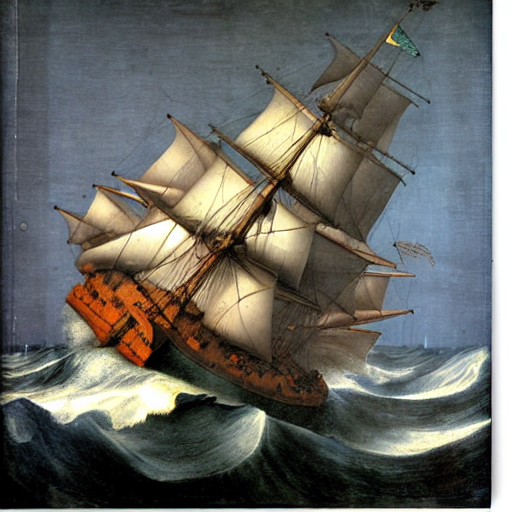
prompt = "sailing ship in storm by Leonardo da Vinci"
image = pipeline(prompt).images[0]
pipeline.save_pretrained("./onnx-stable-diffusion-v1-5")
If you want to export the pipeline in the ONNX format offline and later use it for inference,
you can use the optimum-cli export command:
optimum-cli export onnx --model runwayml/stable-diffusion-v1-5 sd_v15_onnx/
Then perform inference:
from optimum.onnxruntime import ORTStableDiffusionPipeline

model_id = "sd_v15_onnx"
pipeline = ORTStableDiffusionPipeline.from_pretrained(model_id)
prompt = "sailing ship in storm by Leonardo da Vinci"
image = pipeline(prompt).images[0]
Notice that we didn't have to specify export=True above.
You can find more examples in optimum documentation.
Supported tasks
| Task | Loading Class |
|---|---|
text-to-image |
ORTStableDiffusionPipeline |
image-to-image |
ORTStableDiffusionImg2ImgPipeline |
inpaint |
ORTStableDiffusionInpaintPipeline |
Stable Diffusion XL
Export
To export your model to ONNX, you can use the Optimum CLI as follows :
optimum-cli export onnx --model stabilityai/stable-diffusion-xl-base-1.0 --task stable-diffusion-xl sd_xl_onnx/
Inference
Here is an example of how you can load a SDXL ONNX model from stabilityai/stable-diffusion-xl-base-1.0 and run inference with ONNX Runtime :
from optimum.onnxruntime import ORTStableDiffusionXLPipeline

model_id = "stabilityai/stable-diffusion-xl-base-1.0"
pipeline = ORTStableDiffusionXLPipeline.from_pretrained(model_id)
prompt = "sailing ship in storm by Leonardo da Vinci"
image = pipeline(prompt).images[0]
Supported tasks
| Task | Loading Class |
|---|---|
text-to-image |
ORTStableDiffusionXLPipeline |
image-to-image |
ORTStableDiffusionXLImg2ImgPipeline |
Known Issues
- Generating multiple prompts in a batch seems to take too much memory. While we look into it, you may need to iterate instead of batching.