| --- |
| license: creativeml-openrail-m |
| tags: |
| - text-to-image |
| - stable-diffusion |
| widget: |
| - text: "woolitize " |
| --- |
| ### Jak's Woolitize Image Pack v.1.0 for Stable Diffusion 1.5 (2.0 coming soon) |
| Woolitize Image Pack brought to you by 117 training images through 8000 training steps, 20% Training text crafted by Jak_TheAI_Artist |
|
|
| ### UPDATE: Woolitize v1.2 available [here](https://huggingface.co/plasmo/woolitize-768sd1-5) |
|
|
| Version history: |
|
|
| v.1.0 - original model |
| |
| v.1.2 - improved detail and backgrounds using 768x768 resolution training images |
| |
| Include Prompt trigger: "woolitize" to activate. |
|
|
| Woolitize v1.0 (SD1.5) download file "woolitize.ckpt" |
| |
| Woolitize v1.2 (SD1.5) download file "woolitize768.ckpt" |
| |
| Woolitize (SD2.0) version: (not compatible with Automatic111 yet) |
| |
|
|
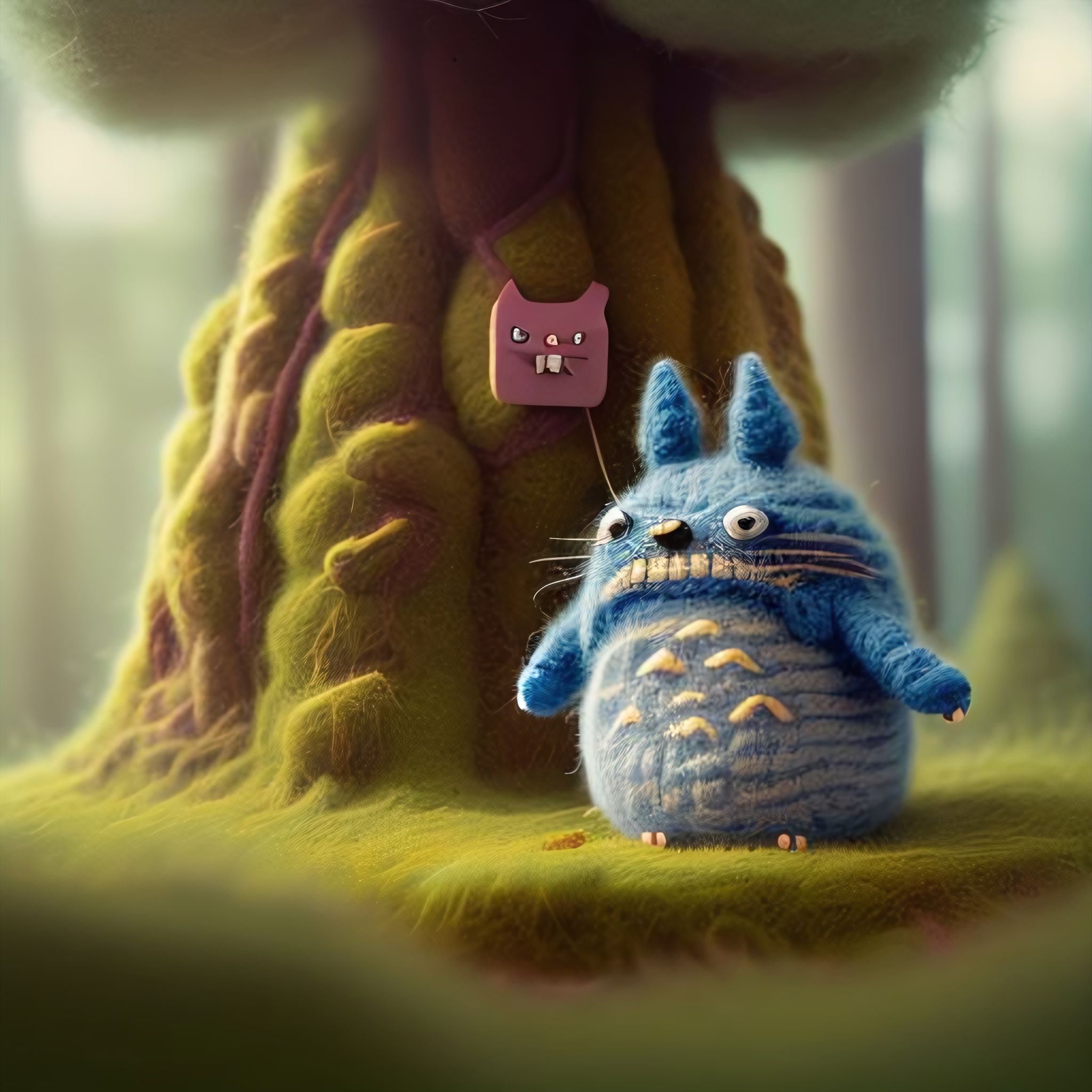
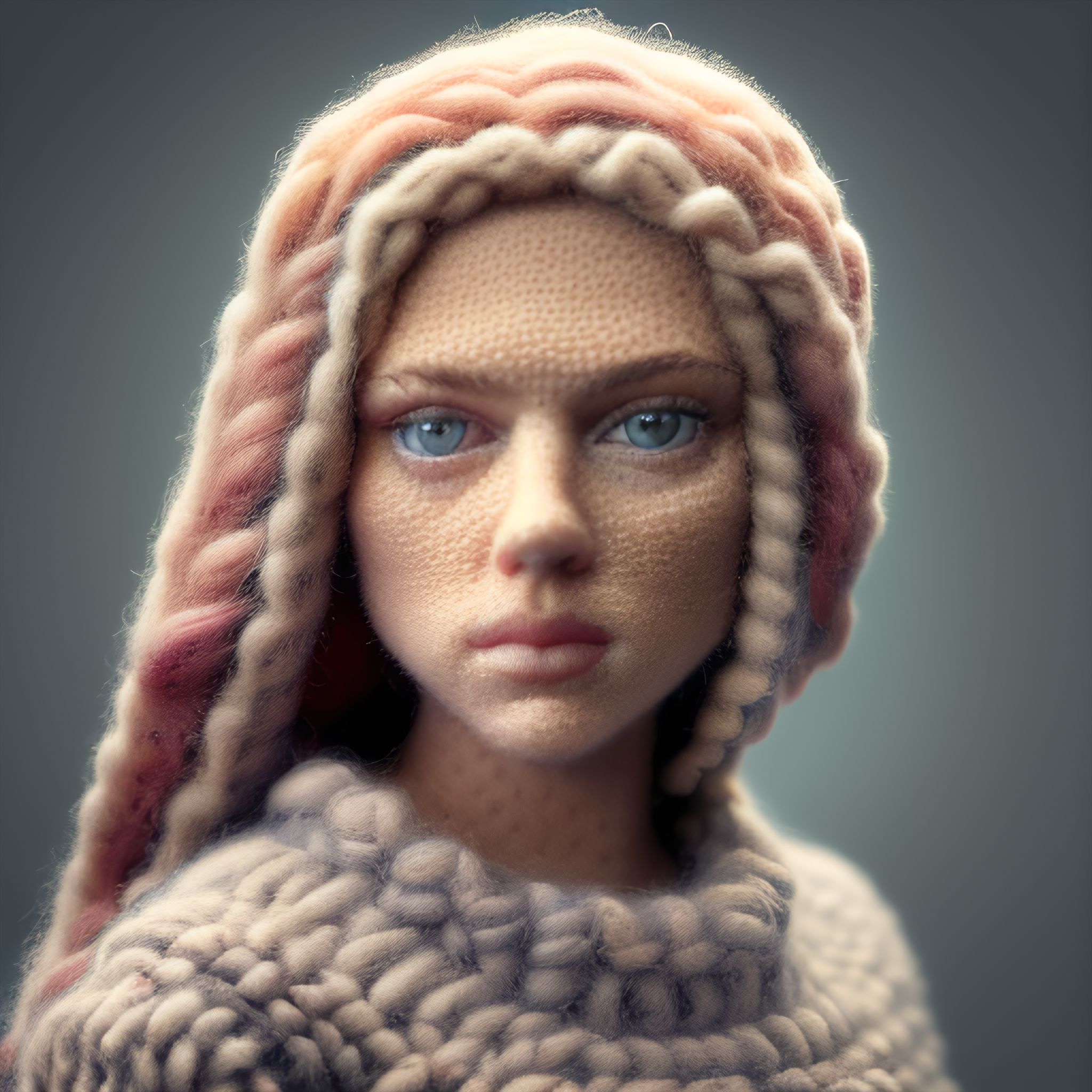
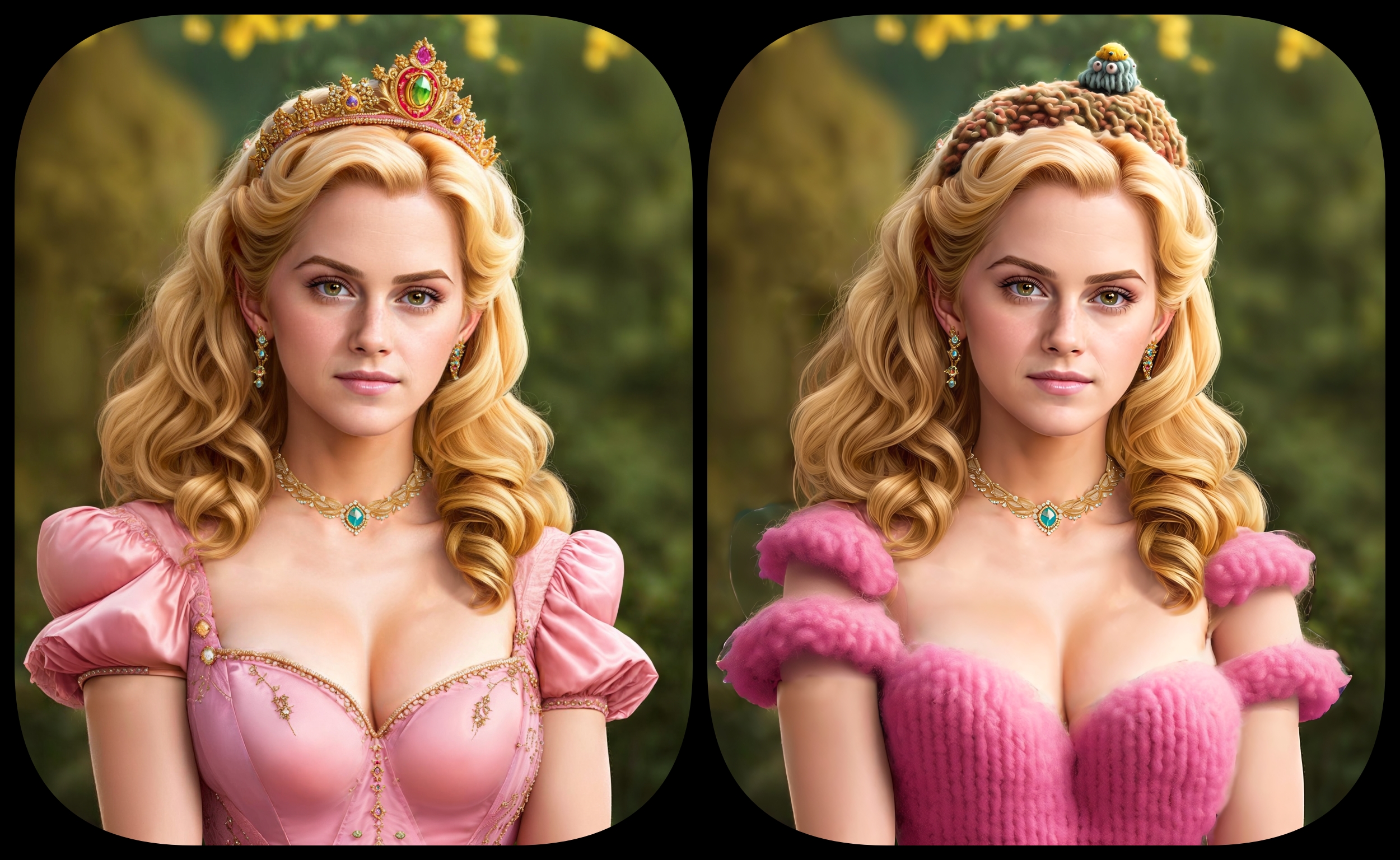
| Sample pictures of this concept: |
|
|
| woolitize |
|  |
|  |
|  |
|  |
|  |
|  |
|  |
|  |
|  |
|  |
| |
| |