

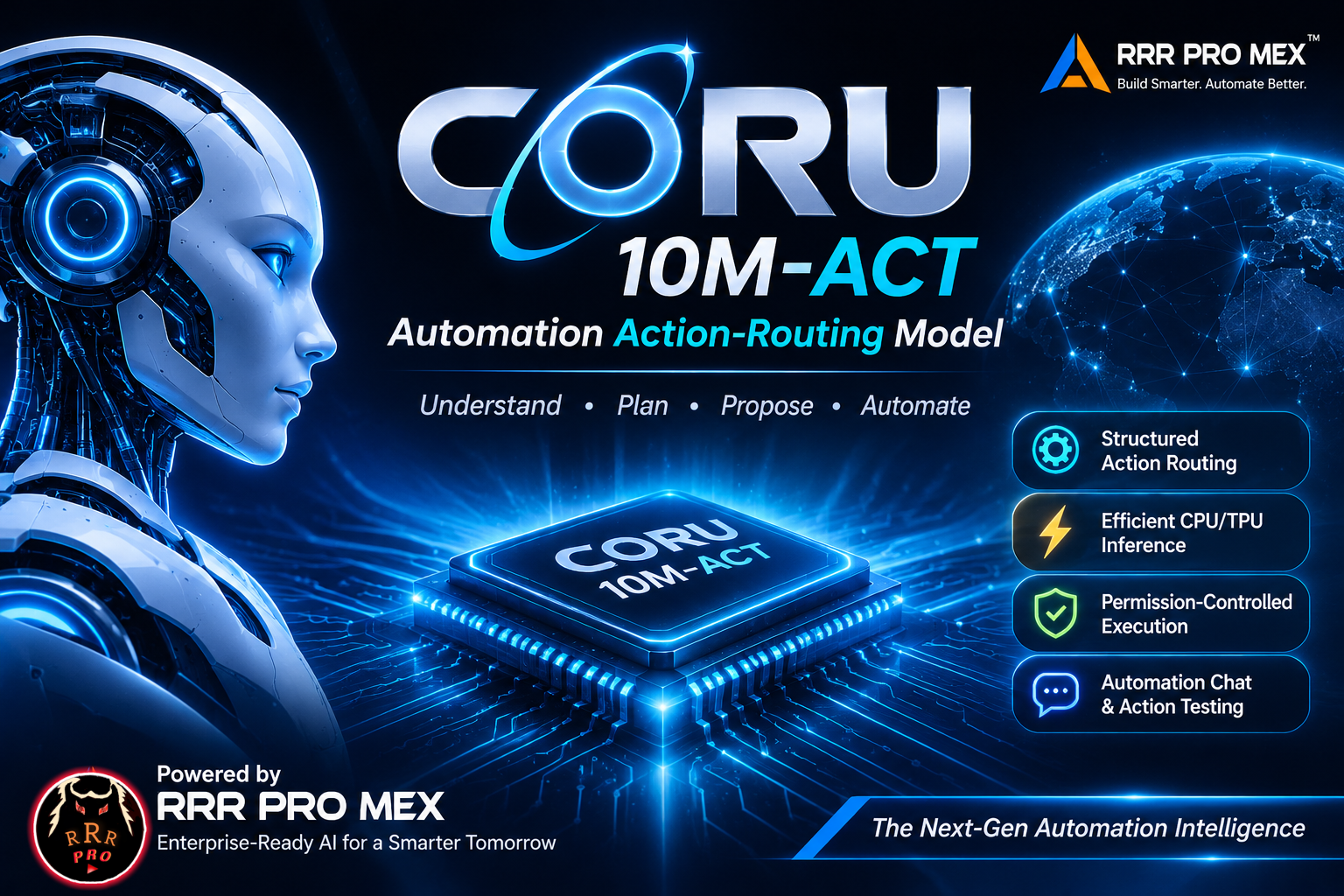
CORU-10M-ACT
Lightweight Automation Action-Routing Model
Understand Intent · Select Actions · Structure Parameters · Propose Workflows
A compact, schema-guided automation model that transforms natural-language requests into structured action proposals for application-controlled workflows.
9.995M Parameters • 1B-Token Pretraining • 55 Declared Actions • CPU / TPU-XLA Inference
Source Runtime • Brand Updates • Professional Contact
1. Overview
CORU-10M-ACT is part of the CORU Automation model family, developed by RRR PRO MEX. It is a lightweight Automation Action-Routing Model built for a focused task: interpreting a natural-language instruction and mapping it to an action declared by an application's schema.
Rather than acting as a general-purpose conversational language model, CORU is designed to produce structured proposals containing a tool, an action, parameters, a proposal state, a confirmation signal, and—when necessary—a clarification request. A host application can validate the proposal and decide whether it is authorized to execute it.
The model is designed around four practical priorities:
- Compact inference footprint — approximately 10 million parameters.
- Schema-aware routing — selection from declared tools and actions.
- Structured outputs — machine-readable proposals instead of unrestricted prose.
- Deployment flexibility — a shared native inference path for CPU and compatible TPU/XLA environments.
2. Model Specifications
| Specification | Details |
|---|---|
| Model | CORU-10M-ACT |
| Model family | CORU Automation |
| Model type | Automation Action-Routing Model |
| Parameters | 9,995,264 (~9.995M) |
| Tokenizer vocabulary | 7,680 |
| Maximum context length | 512 tokens |
| Declared action schema | 55 actions |
| Action namespaces | 23 |
| Pretraining scale | 1 billion tokens |
| Development programme | 20 sequential stages |
| Accelerator platform | Google TPU v5e |
| Aggregate TPU accelerator time | 25+ hours |
| Model weights | Safetensors |
| Inference framework | PyTorch with the compatible device backend |
| Runtime interface | Native CORU inference runtime |
3. What CORU Is Designed to Do
CORU acts as the intent interpretation and action-routing layer inside a larger automation product. The available operations are determined by the model's declared action schema and by the connectors configured in the host application.
Example integration domains include:
- Communication workflows — route email or messaging requests to configured communication actions.
- Notes and documents — prepare structured note creation, updates, document operations, and content workflows.
- Tasks and scheduling — identify task, reminder, and calendar actions exposed by the host.
- File operations — route supported file and storage requests to approved adapters.
- Web and information workflows — select configured search, retrieval, or service actions.
- Productivity systems — map user intent to tools registered by an application.
These are integration domains, not a claim that every external service is bundled with the model. An application must provide the corresponding connectors and permissions.
Core capabilities
- Intent interpretation — identify the operational intent expressed in a request.
- Tool selection — select a tool or namespace defined by the action schema.
- Action selection — choose a declared operation within the selected tool.
- Parameter structuring — prepare arguments as structured data for validation.
- Clarification handling — request missing or disambiguating information.
- Confirmation signaling — expose whether the host should request user approval.
4. Structured Proposal Contract
The native inference interface returns a structured action proposal. A representative response has this shape:
{
  "tool": "email",
  "action": "send",
  "parameters": {
    "to": "recipient@example.com",
    "subject": "Project update",
    "body": "The proposed message content."
  },
  "status": "proposed",
  "needs_confirmation": true,
  "clarification": null
}
| Field | Meaning |
|---|---|
tool |
Tool or action namespace selected by the model. |
action |
Operation selected within that tool. |
parameters |
Structured arguments proposed for the operation. |
status |
Proposal state, such as a proposed action or a clarification state. |
needs_confirmation |
Signals whether the host should obtain explicit approval. |
clarification |
Missing-information question or clarification text, when required. |
The example is illustrative; actual fields and valid parameter values are governed by the published action schema. The host must validate the selected tool, action, parameter names, types, required fields, and policy constraints before taking any action.
5. Training and Development Profile
CORU-10M-ACT was developed through a 20-stage training and refinement programme, with a completed 1-billion-token pretraining scale.
At a high level, the programme comprised:
- Four foundational pretraining stages to establish the model's underlying representations.
- Sixteen subsequent refinement stages, conducted as separate training stages using Google TPU v5e accelerator hardware.
- More than 25 hours of aggregate TPU accelerator time across the development programme.
This is a high-level development summary. Proprietary datasets, data composition, exact training recipes, optimizer settings, checkpoint histories, internal experiment records, and private development paths are intentionally not disclosed in this Model Card.
6. Recorded Evaluation Profile
The following percentages summarize the recorded evaluation profile. The columns distinguish the hybrid processing path from direct model output.
| Evaluation dimension | Hybrid path | Direct model path |
|---|---|---|
| Structured route selection | 96.4% | 98.8% |
| Unseen instruction phrasing | 87.6% | 88.9% |
| Notes workflow extraction | 98.1% | 99.5% |
| Held-out note-context generalization | 99.3% | 99.3% |
| Safety-policy consistency | 100% | 100% |
These percentages describe the recorded evaluation configuration and its task definitions. They are not universal guarantees for every application. Results in a new environment depend on the host's action schema, request distribution, validation rules, and connector implementation.
7. Inference and Deployment
CORU is distributed with a native inference runtime that resolves the requested Hugging Face revision, downloads an immutable model snapshot, imports the repository's coru_inference.py, performs package-integrity checks, and calls the model's native load() interface.
Supported execution paths
| Environment | Runtime path | Notes |
|---|---|---|
| Standard CPU | PyTorch CPU | Suitable for local and server-side inference. |
| Google TPU v5e | PyTorch/XLA | Requires a compatible, active TPU/XLA environment. |
| Other compatible TPU devices | PyTorch/XLA | Subject to the installed backend and device compatibility. |
| NVIDIA GPU | CUDA | Used when supported by the installed PyTorch build. |
| Apple Silicon | MPS | Used when supported by the installed PyTorch build. |
With --device auto, the runtime checks for an active TPU/XLA backend first, followed by CUDA, Apple MPS, and CPU. An explicit --device tpu request requires a working TPU/XLA environment and does not silently claim a CPU execution as a TPU run.
Requirements
- Python 3.10 or newer.
- PyTorch installed for the selected execution environment.
- For TPU inference, a compatible PyTorch/XLA installation and an active TPU device.
- Internet access to resolve and download the selected Hugging Face model revision on the first run.
The runtime installs missing Hugging Face Hub, Safetensors, and Tokenizers packages when needed. PyTorch and the matching accelerator backend must be installed for the target hardware environment.
Get the runtime
The source runtime is maintained in the CORU-10M-ACT GitHub repository.
git clone https://github.com/rrrpro-ai/CORU-10M-ACT.git
cd CORU-10M-ACT
Automatic device selection
python coru_runtime.py --device auto
CPU inference
python coru_runtime.py --device cpu
TPU/XLA inference
python coru_runtime.py --device tpu
Run the offline runtime self-checks
python coru_runtime.py --self-test
The offline self-check mode validates local runtime logic and fixtures; it does not download or evaluate the remote model checkpoint.
Load and exit without opening the interactive console
python coru_runtime.py --device auto --no-chat
View all runtime options
python coru_runtime.py --help
Interactive Automation Console
After integrity checks, model loading, and inference-contract checks complete, the runtime can open an interactive console:
| Option | Function |
|---|---|
1 |
Natural-language Automation Chat |
2 |
Select and test one action individually |
3 |
Walk through declared actions one by one |
4 |
View available action routes |
5 |
View recent route-test results |
Q |
Exit |
Inside Automation Chat, a request can be scored against an expected route. For example:
/expect email.send
Send an email to Alex with the project update.
Or select an action by its displayed catalogue number:
/expect #12
Create a note titled Project Ideas.
The console compares the predicted tool and action with the expected schema route. A structurally valid response with the wrong action is reported as a route mismatch—not as a successful semantic match.
Use /expect off to clear the expected route:
/expect off
Use /routes to display the action catalogue:
/routes
Use /back to return to the menu:
/back
Use /quit to exit:
/quit
The runtime writes a diagnostic run log and a JSON report in the current working directory. These files are local runtime outputs and are not required model artifacts.
8. Application Integration Architecture
For production use, CORU should be deployed as the decision and routing component behind an application's trusted backend. The model should not be exposed as an unrestricted executor to a browser or end user.
User / Client Application
          |
          v
Application Backend / Orchestrator
          |
          v
CORU Native Inference Runtime
          |
          v
Structured Action Proposal
(tool, action, parameters, status, confirmation)
          |
          v
Action-Schema Validation
          |
          v
Identity, Authorization and Policy Checks
          |
          v
User Confirmation, when required
          |
          v
Connector / Adapter Registry
          |
          v
External Application or Service
          |
          v
Result Handling and Audit Record
Host-application responsibilities
- Inference: keep the model loaded in a controlled backend process and submit user requests to the native inference interface.
- Schema validation: verify that the tool and action exist and that parameters meet the action's declared schema.
- Authorization: enforce user identity, roles, permissions, tenant boundaries, and application policy.
- Confirmation: require explicit approval for sensitive, irreversible, or externally visible operations.
- Connector registry: map approved tool/action pairs to application-specific API clients or adapters.
- Execution: execute only validated and authorized proposals; handle timeouts, retries, idempotency, and external service errors.
- Audit: record the request, selected route, authorization result, confirmation decision, and execution outcome without logging credentials or secrets.
Host-side orchestration example
The following is an integration pattern, not a built-in CORU function. The application developer supplies the schema validator, authorization service, confirmation service, and connector registry.
def handle_automation_request(user_text, user_context):
    # 1. Ask the CORU runtime for a structured proposal.
    proposal = coru_predict(user_text)

    # 2. Validate the tool, action, and parameter structure.
    action_schema.validate(proposal)

    # 3. Enforce the current user's permissions and policy.
    authorization.require_allowed(user_context, proposal)

    # 4. Pause for explicit approval when the proposal requires it.
    if proposal["needs_confirmation"]:
        return confirmation_service.request(user_context, proposal)

    # 5. Resolve and invoke the host application's connector.
    adapter = connector_registry.resolve(
        proposal["tool"],
        proposal["action"],
    )
    return adapter.execute(proposal["parameters"], user_context)
coru_predict, action_schema, authorization, confirmation_service, and connector_registry represent host-application components. They must be implemented and secured by the application; they are not claimed as bundled model features.
Production deployment guidance
- Load the model once per worker or serving process rather than reloading it for every request.
- Keep model inference separate from external action execution.
- Pin and review model revisions when deploying a production release.
- Validate every proposal against the exact schema version used by the host application.
- Apply per-user authorization and confirmation gates before invoking connectors.
- Add request timeouts, bounded concurrency, structured error handling, and audit tracing.
- Keep API keys, tokens, credentials, and private user data out of prompts, reports, and logs.
- Re-evaluate route quality whenever the action schema or connector catalogue changes.
9. Scope and Limitations
- CORU is an automation action-routing model, not a general-purpose conversational assistant.
- The model produces structured proposals; it does not independently send emails, modify files, access accounts, click interfaces, or execute external services.
- The host application is responsible for connectors, credentials, permissions, user confirmation, execution, and auditing.
- The action set is schema-dependent. An application must expose and maintain the actions it wants CORU to route to.
- A valid JSON structure does not, by itself, prove that the selected action is semantically correct. Route validation and application-level testing remain important.
- CPU and TPU performance depend on the processor, runtime versions, memory, device availability, and serving configuration.
10. License
CORU-10M-ACT is released under the Apache License 2.0. The license permits use, modification, and distribution subject to the terms and conditions of that license. Please retain the required copyright and license notices when redistributing covered materials.
- License identifier:
apache-2.0 - License text: Apache License, Version 2.0
- Source repository license: CORU-10M-ACT — LICENSE
11. Model and Brand Resources
- Hugging Face model: rrrpromex/CORU-10M-ACT
- Source runtime and engineering repository: rrrpro-ai/CORU-10M-ACT
- RRR PRO MEX GitHub: github.com/rrrpro-ai
- Brand updates: RRR PRO MEX on Bluesky
- Professional contact: RRR PRO MEX on LinkedIn
- Exclusive Codes, Models & Early Access: Get Exclusive Access on Patreon
Developed by RRR PRO MEX
© All Rights Reserved By RRR PRO MEX
- Downloads last month
- 74
Model tree for rrrpromex/CORU-10M-ACT
Unable to build the model tree, the base model loops to the model itself. Learn more.