


metadata
title: README
emoji: 🧱
colorFrom: indigo
colorTo: purple
sdk: static
pinned: false
NeuroBrix: one engine for every model, on the hardware you already own
AI is not an API and not only a chatbot: it is a neural network. NeuroBrix runs language, speech, image and video
models from one engine and one container format (.nbx), on NVIDIA GPUs, Mac GPUs (Metal) and CPU,
with or without PyTorch.
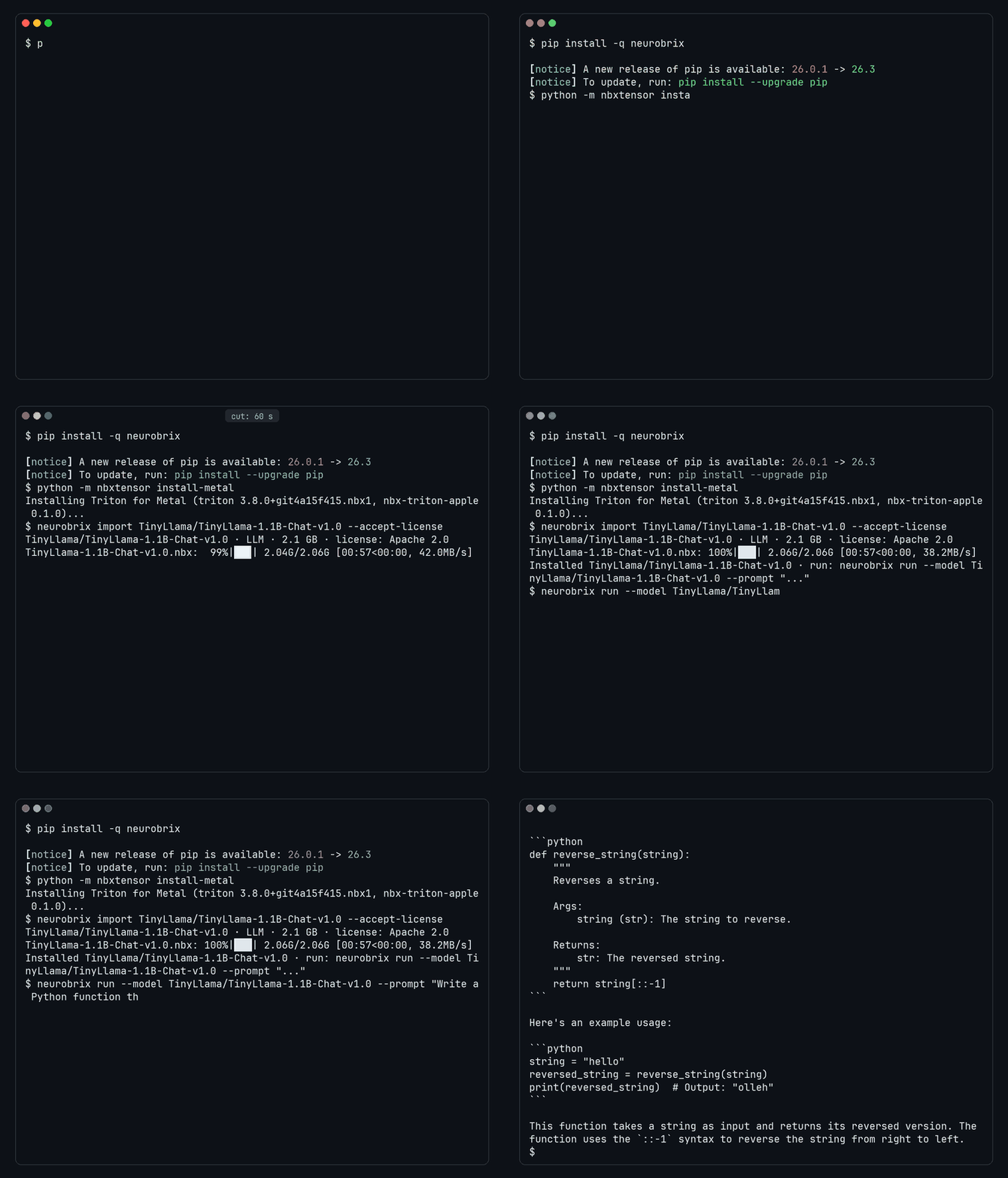
pip install neurobrix
neurobrix import TinyLlama/TinyLlama-1.1B-Chat-v1.0 --accept-license
neurobrix run --model TinyLlama/TinyLlama-1.1B-Chat-v1.0 --prompt "Write a Python function that reverses a string."
An ecosystem, not a single tool. Take the whole engine, or only the brick you need:
- neurobrix: the engine. It plans where every part of a model runs: one GPU, several, streamed, or on the host.
- nbxtensor: our tensor library and Triton kernels, certified per GPU class against a float64 reference. Models run without PyTorch, and V100 tensor cores wake up again.
- The .nbx container: one format for every family, from Whisper to Qwen3-Coder, Flex and CogVideoX.
Here: every model on our hub has its card in this organisation, with the original model credited and linked. Browse them by collection: start with the small ones that run anywhere. Hear and see real outputs, each with the command that made it: Made with NeuroBrix.
GitHub · Hub: neurobrix.org · YouTube · PyPI
Open source, Apache 2.0. Let's build what comes next, together.