| With Inference, you can run any of the 50,000+ models available on Roboflow Universe. You can also run private, fine-tuned models that you have trained or uploaded to Roboflow. |
|
|
| All models run on your own hardware. |
|
|
| ## Run a Model on Universe |
|
|
| In the first example, we showed how to run a rock paper scissors model. This model was hosted on Universe. Let's find another model to try. |
|
|
| !!! info |
| If you haven't already, follow our Run Your First Model guide to install and set up Inference. |
| |
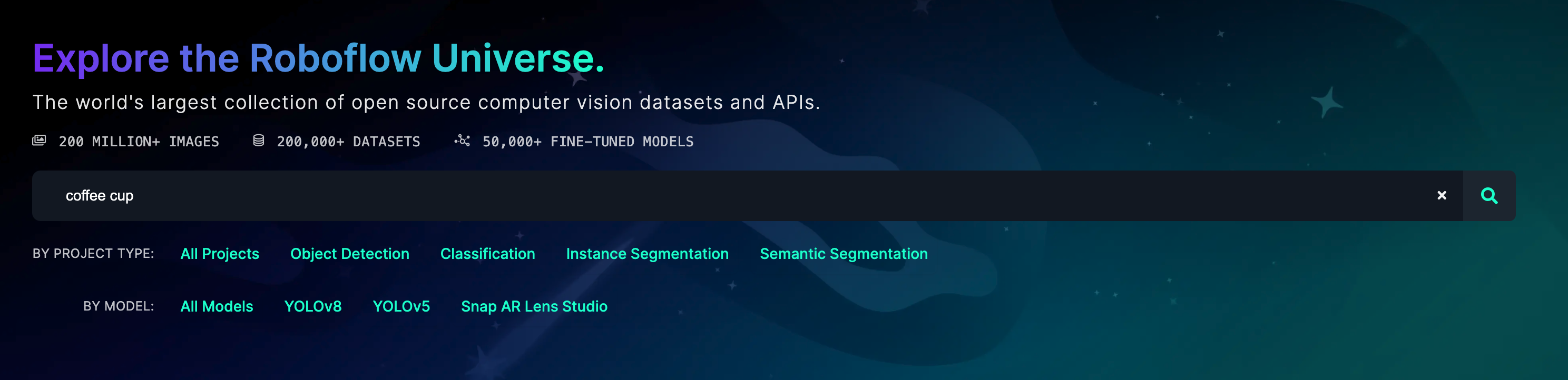
| Go to the [Roboflow Universe](https://universe.roboflow.com) homepage and use the search bar to find a model. |
|
|
|  |
|
|
| !!! info |
| Add "model" to your search query to only find models. |
| |
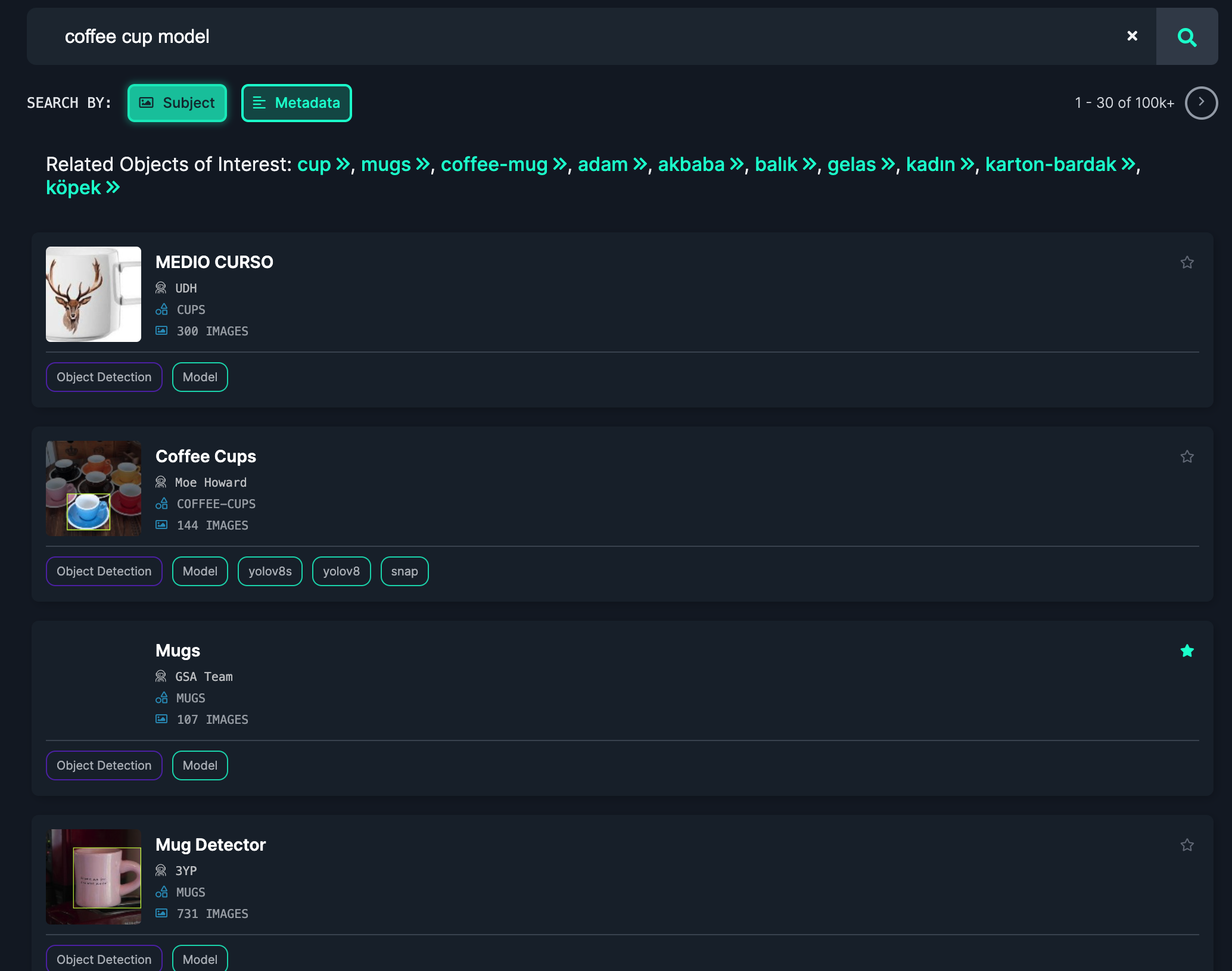
| Browse the search page to find a model. |
|
|
|  |
|
|
| When you have found a model, click on the model card to learn more. Click the "Model" link in the sidebar to get the information you need to use the model. |
|
|
| Create a new Python file and add the following code: |
|
|
| ```python |
| import cv2 |
| import inference |
| import supervision as sv |
| |
| annotator = sv.BoxAnnotator() |
| |
| def on_prediction(predictions, image): |
| labels = [p["class"] for p in predictions["predictions"]] |
| detections = sv.Detections.from_roboflow(predictions) |
| cv2.imshow( |
| "Prediction", |
| annotator.annotate( |
| scene=image, |
| detections=detections, |
| labels=labels |
| ) |
| ), |
| cv2.waitKey(1) |
| |
| inference.Stream( |
| source="webcam", # or rtsp stream or camera id |
| model="coffee-cup-v2/3", # from Universe |
| output_channel_order="BGR", |
| use_main_thread=True, # for opencv display |
| on_prediction=on_prediction, |
| ) |
| ``` |
|
|
| Replace `coffee-cup-v2/3` with the model ID you found on Universe. |
|
|
| Then, run the Python script: |
|
|
| ``` |
| python app.py |
| ``` |
|
|
| Your webcam will open and you can see the model running: |
|
|
| <video width="100%" autoplay loop muted> |
| <source src="https://media.roboflow.com/coffee-cup.mp4" type="video/mp4"> |
| </video> |
|
|
| _Note: This model was tested on a Mac, but will achieve better performance on a GPU._ |
|
|
| ## Run a Private, Fine-Tuned Model |
|
|
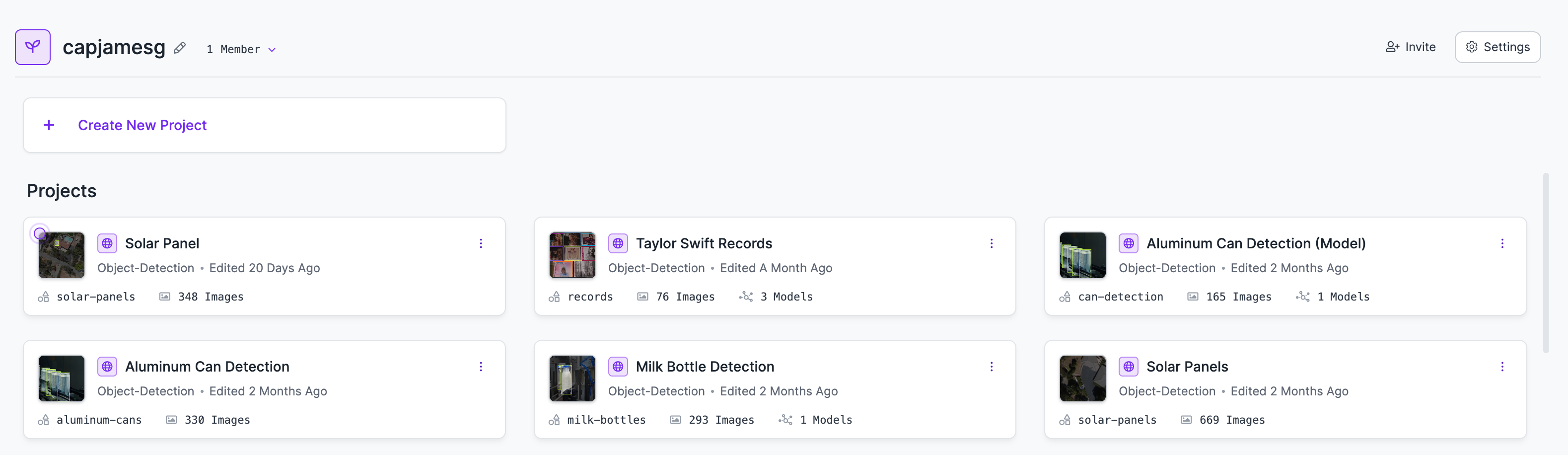
| You can run models you have trained privately on Roboflow with Inference. To do so, first go to your [Roboflow dashboard](https://app.roboflow.com). Then, choose the model you want to run. |
|
|
|  |
|
|
| Click the "Deploy" link in the sidebar to find the information you will need to use your model with Inference: |
|
|
| <img src="https://media.roboflow.com/docs-model-deploy.png" alt="Model deploy page" width="100%" style="max-height: 200px;"> |
|
|
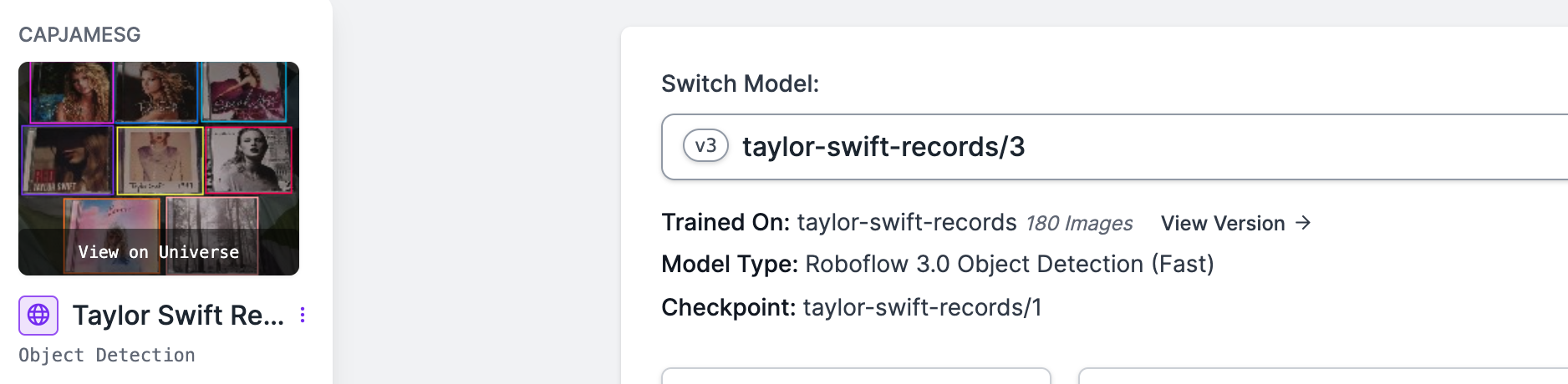
| Copy the model ID on the page (in this case, `taylor-swift-records/3`). |
|
|
|  |
|
|
| Then, create a new Python file and add the following code: |
|
|
| ```python |
| import cv2 |
| import inference |
| import supervision as sv |
| |
| annotator = sv.BoxAnnotator() |
| |
| def on_prediction(predictions, image): |
| labels = [p["class"] for p in predictions["predictions"]] |
| detections = sv.Detections.from_roboflow(predictions) |
| detections = detections[detections.confidence > 0.9] |
| print(detections) |
| cv2.imshow( |
| "Prediction", |
| annotator.annotate( |
| scene=image, |
| detections=detections, |
| labels=labels |
| ) |
| ), |
| cv2.waitKey(1) |
| |
| inference.Stream( |
| source="webcam", # or rtsp stream or camera id |
| model="taylor-swift-records/3", # from Universe |
| output_channel_order="BGR", |
| use_main_thread=True, # for opencv display |
| on_prediction=on_prediction, |
| ) |
| ``` |
|
|
| Replace `taylor-swift-records/3` with the model ID from your private model. |
|
|
| Then, run the Python script: |
|
|
| ``` |
| python app.py |
| ``` |
|
|
| Your webcam will open and you can see the model running. |
|
|
|
|
| <video width="100%" autoplay loop muted> |
| <source src="https://media.roboflow.com/ts-demo.mp4" type="video/mp4"> |
| </video> |