| ---
|
| library_name: transformers.js
|
| tags:
|
| - vision
|
| - background-removal
|
| - portrait-matting
|
| license: apache-2.0
|
| pipeline_tag: image-segmentation
|
| ---
|
|
|
| # wuchendi/MODNet (Matting Objective Decomposition Network)
|
|
|
| > Trimap-Free Portrait Matting in Real Time
|
|
|
| - **Repository**: <https://github.com/WuChenDi/MODNet>
|
| - **Spaces**: <https://huggingface.co/spaces/wuchendi/MODNet>
|
| - **SwanLab/MODNet**: <https://swanlab.cn/@wudi/MODNet/overview>
|
|
|
| ### 📦 Usage with [Transformers.js](https://www.npmjs.com/package/@huggingface/transformers)
|
|
|
| First, install the `@huggingface/transformers` library from PNPM:
|
|
|
| ```bash
|
| pnpm add @huggingface/transformers
|
| ```
|
|
|
| Then, use the following code to perform **portrait matting** with the `wuchendi/MODNet` model:
|
|
|
| ```ts
|
| /* eslint-disable no-console */
|
| import { AutoModel, AutoProcessor, RawImage } from '@huggingface/transformers'
|
|
|
| async function main() {
|
| try {
|
| console.log('🚀 Initializing MODNet...')
|
|
|
| // Load model
|
| console.log('📦 Loading model...')
|
| const model = await AutoModel.from_pretrained('wuchendi/MODNet', {
|
| dtype: 'fp32',
|
| progress_callback: (progress) => {
|
| // @ts-ignore
|
| if (progress.progress) {
|
| // @ts-ignore
|
| console.log(`Model loading progress: ${(progress.progress).toFixed(2)}%`)
|
| }
|
| }
|
| })
|
| console.log('✅ Model loaded successfully')
|
|
|
| // Load processor
|
| console.log('🔧 Loading processor...')
|
| const processor = await AutoProcessor.from_pretrained('wuchendi/MODNet', {})
|
| console.log('✅ Processor loaded successfully')
|
|
|
| // Load image from URL
|
| const url = 'https://res.cloudinary.com/dhzm2rp05/image/upload/samples/logo.jpg'
|
| console.log('🖼️ Loading image:', url)
|
| const image = await RawImage.fromURL(url)
|
| console.log('✅ Image loaded successfully', `Dimensions: ${image.width}x${image.height}`)
|
|
|
| // Pre-process image
|
| console.log('🔄 Preprocessing image...')
|
| const { pixel_values } = await processor(image)
|
| console.log('✅ Image preprocessing completed')
|
|
|
| // Generate alpha matte
|
| console.log('🎯 Generating alpha matte...')
|
| const startTime = performance.now()
|
| const { output } = await model({ input: pixel_values })
|
| const inferenceTime = performance.now() - startTime
|
| console.log('✅ Alpha matte generated', `Time: ${inferenceTime.toFixed(2)}ms`)
|
|
|
| // Save output mask
|
| console.log('💾 Saving output...')
|
| const mask = await RawImage.fromTensor(output[0].mul(255).to('uint8')).resize(image.width, image.height)
|
| await mask.save('src/assets/mask.png')
|
| console.log('✅ Output saved to assets/mask.png')
|
|
|
| } catch (error) {
|
| console.error('❌ Error during processing:', error)
|
| throw error
|
| }
|
| }
|
|
|
| main().catch(console.error)
|
|
|
| ```
|
|
|
| ### 🖼️ Example Result
|
|
|
| | Input Image | Output Mask |
|
| | ----------------------------------- | ---------------------------------- |
|
| | 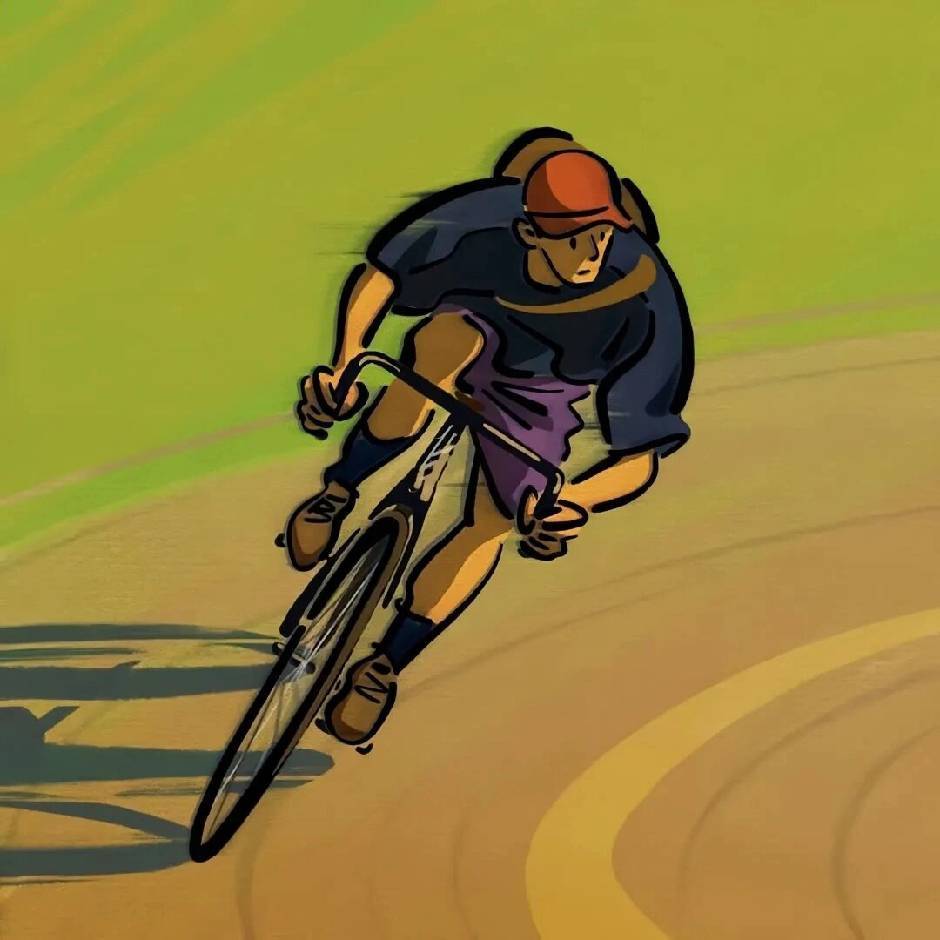 | 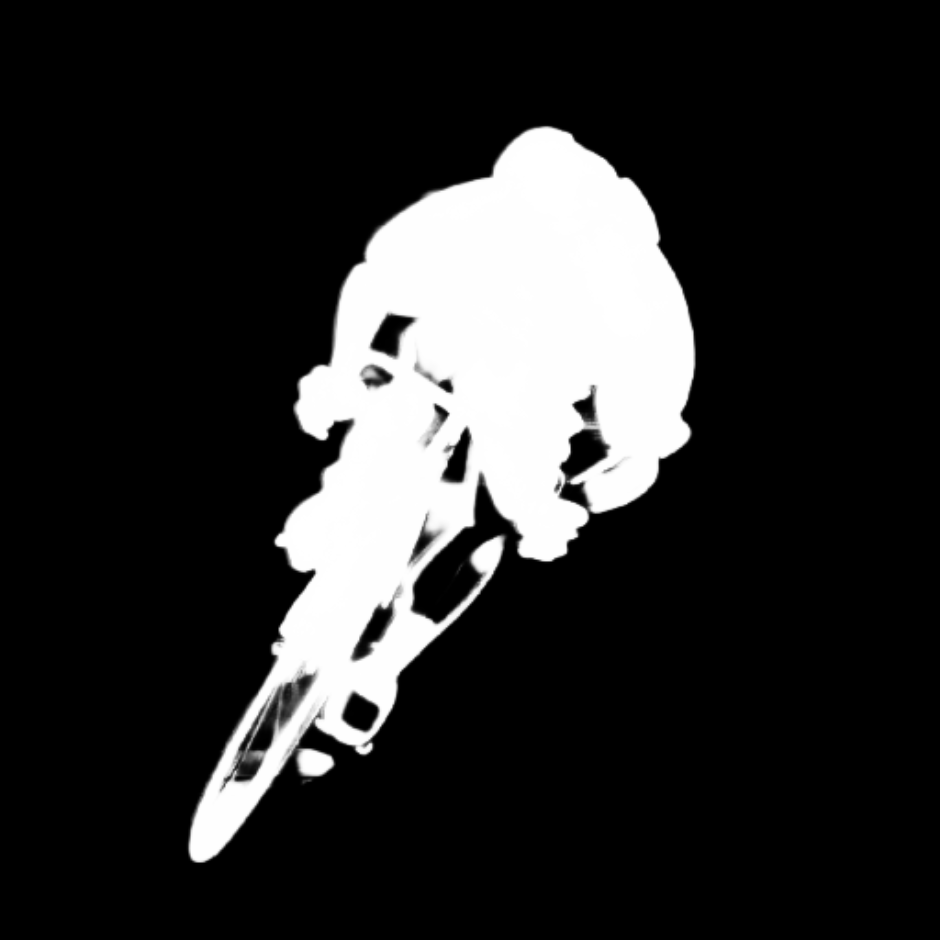 |
|
|
|