Diffusers documentation
Legacy adapters
Legacy adapters
These methods are still supported, especially on Stable Diffusion–family checkpoints. For new work, prefer LoRA, IP-Adapter, and ControlNet.
T2I-Adapter
T2I-Adapter is an adapter for controllable generation. It learns a mapping from a control signal (for example, a depth map or canny edges) into a pretrained model’s internal features and adds that guidance during generation. It is similar in role to ControlNet, but it is a lighter plugged-in adapter.
Load a control-conditioned adapter, then load the pipeline with from_pretrained() and pass it with adapter=.
import torch
from diffusers import T2IAdapter, StableDiffusionXLAdapterPipeline, AutoencoderKL

t2i_adapter = T2IAdapter.from_pretrained(
    "TencentARC/t2i-adapter-canny-sdxl-1.0",
    dtype=torch.float16,
)
Generate a canny image with opencv-python.
import cv2
import numpy as np
from PIL import Image
from diffusers.utils import load_image

original_image = load_image(
    "https://huggingface.co/datasets/huggingface/documentation-images/resolve/main/diffusers/non-enhanced-prompt.png"
)

image = np.array(original_image)

low_threshold = 100
high_threshold = 200

image = cv2.Canny(image, low_threshold, high_threshold)
image = image[:, :, None]
image = np.concatenate([image, image, image], axis=2)
canny_image = Image.fromarray(image)
Pass the canny image to the pipeline to generate an image.
vae = AutoencoderKL.from_pretrained("madebyollin/sdxl-vae-fp16-fix", dtype=torch.float16)
pipeline = StableDiffusionXLAdapterPipeline.from_pretrained(
    "stabilityai/stable-diffusion-xl-base-1.0",
    adapter=t2i_adapter,
    vae=vae,
    dtype=torch.float16,
).to("cuda")  # or "mps", "xpu", "cpu"

prompt = """
A photorealistic overhead image of a cat reclining sideways in a flamingo pool floatie holding a margarita.
The cat is floating leisurely in the pool and completely relaxed and happy.
"""

pipeline(
    prompt,
    image=canny_image,
    num_inference_steps=100,
    guidance_scale=10,
).images[0]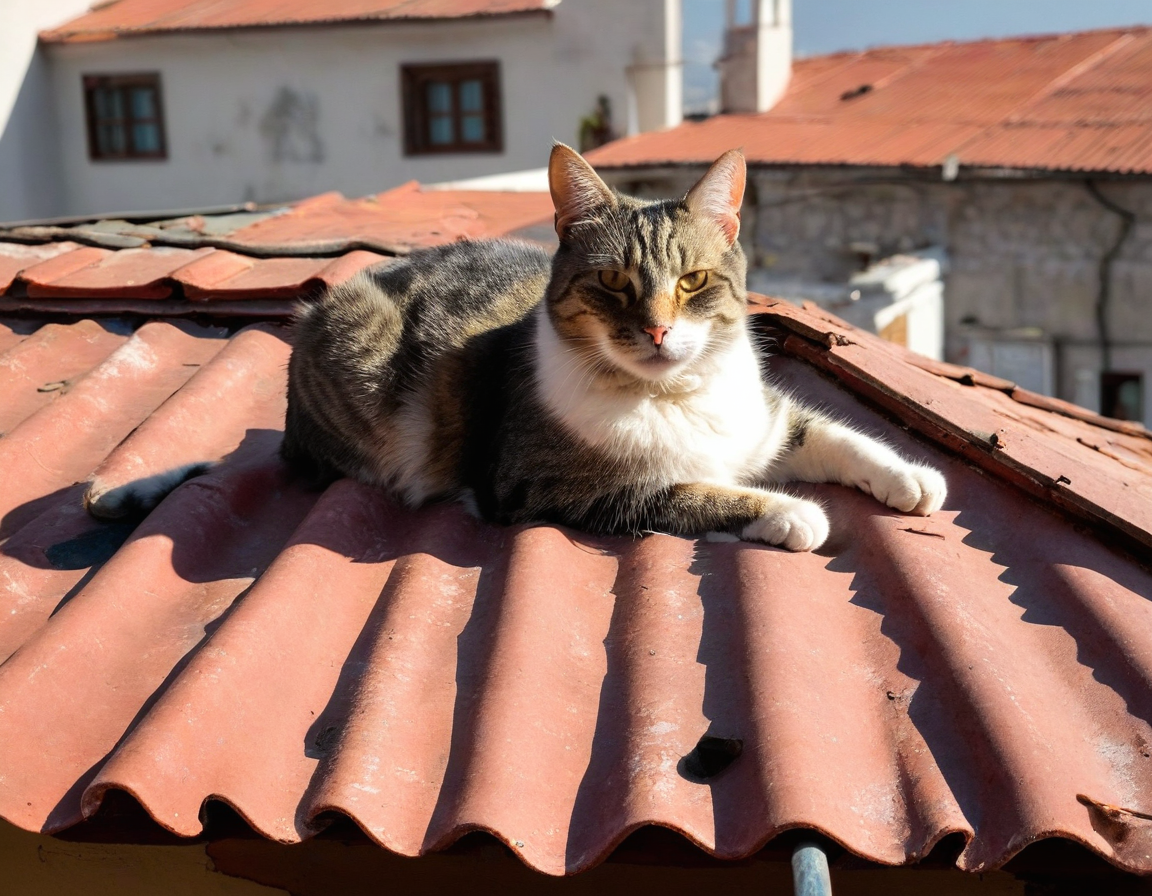


See also T2I-Adapter training.
MultiAdapter
Compose multiple controls (for example, canny and depth) with MultiAdapter. Pass a list of adapters into MultiAdapter, then pass the matching control images as a list to the pipeline.
import torch
from diffusers.utils import load_image
from diffusers import StableDiffusionXLAdapterPipeline, AutoencoderKL, MultiAdapter, T2IAdapter

canny_image = load_image(
    "https://huggingface.co/datasets/huggingface/documentation-images/resolve/main/diffusers/canny-cat.png"
)
depth_image = load_image(
    "https://huggingface.co/datasets/huggingface/documentation-images/resolve/main/diffusers/sdxl_depth_image.png"
)
controls = [canny_image, depth_image]
prompt = ["""
a relaxed rabbit sitting on a striped towel next to a pool with a tropical drink nearby,
bright sunny day, vacation scene, 35mm photograph, film, professional, 4k, highly detailed
"""]

adapters = MultiAdapter(
    [
        T2IAdapter.from_pretrained("TencentARC/t2i-adapter-canny-sdxl-1.0", dtype=torch.float16),
        T2IAdapter.from_pretrained("TencentARC/t2i-adapter-depth-midas-sdxl-1.0", dtype=torch.float16),
    ]
)
Pass the adapters, prompt, and control images to StableDiffusionXLAdapterPipeline. Use the adapter_conditioning_scale parameter to determine how much weight to assign to each control.
vae = AutoencoderKL.from_pretrained("madebyollin/sdxl-vae-fp16-fix", dtype=torch.float16)
pipeline = StableDiffusionXLAdapterPipeline.from_pretrained(
    "stabilityai/stable-diffusion-xl-base-1.0",
    dtype=torch.float16,
    vae=vae,
    adapter=adapters,
).to("cuda")  # or "mps", "xpu", "cpu"

pipeline(
    prompt,
    image=controls,
    height=1024,
    width=1024,
    adapter_conditioning_scale=[0.7, 0.7]
).images[0] 

Textual Inversion
Textual Inversion personalizes a model to a concept from 3-5 images by fine-tuning word embeddings bound to a unique token (<sks>). You can then use that token in your prompt to generate the concept (for example, pixel art).
Textual Inversion weights are typically only a few KBs because they are only word embeddings. Load them after from_pretrained() with load_textual_inversion(), and include the unique token in the prompt to trigger generation.
import torch
from diffusers import AutoPipelineForText2Image

pipeline = AutoPipelineForText2Image.from_pretrained(
    "stable-diffusion-v1-5/stable-diffusion-v1-5",
    dtype=torch.float16
).to("cuda") # or "mps", "xpu", "cpu"pipeline.load_textual_inversion("sd-concepts-library/gta5-artwork")
prompt = "A cute brown bear eating a slice of pizza, stunning color scheme, masterpiece, illustration, <gta5-artwork> style"
pipeline(prompt).images[0]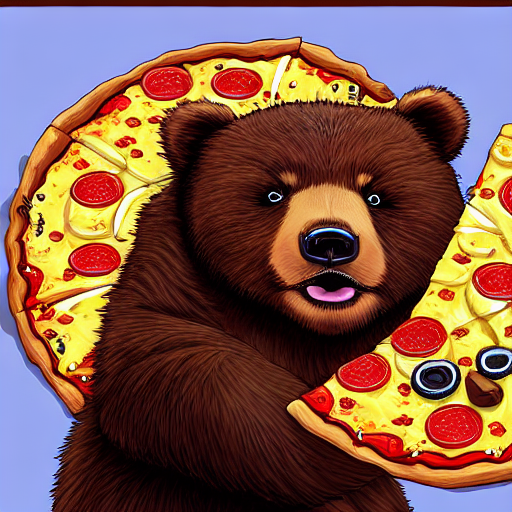
To train embeddings, see Train textual inversion.
Textual Inversion can also be trained to learn negative embeddings to steer generation away from unwanted characteristics such as “blurry” or “ugly”, making it useful for improving image quality.
EasyNegative is a widely used negative embedding that contains multiple learned negative concepts. Load the negative embeddings and specify the file name and token associated with the negative embeddings. Pass the token to negative_prompt in your pipeline to activate it.
import torch
from diffusers import AutoPipelineForText2Image

pipeline = AutoPipelineForText2Image.from_pretrained(
    "stable-diffusion-v1-5/stable-diffusion-v1-5",
    dtype=torch.float16
).to("cuda")  # or "mps", "xpu", "cpu"
pipeline.load_textual_inversion(
    "EvilEngine/easynegative",
    weight_name="easynegative.safetensors",
    token="easynegative"
)
prompt = "A cute brown bear eating a slice of pizza, stunning color scheme, masterpiece, illustration"
negative_prompt = "easynegative"
pipeline(prompt, negative_prompt=negative_prompt).images[0]